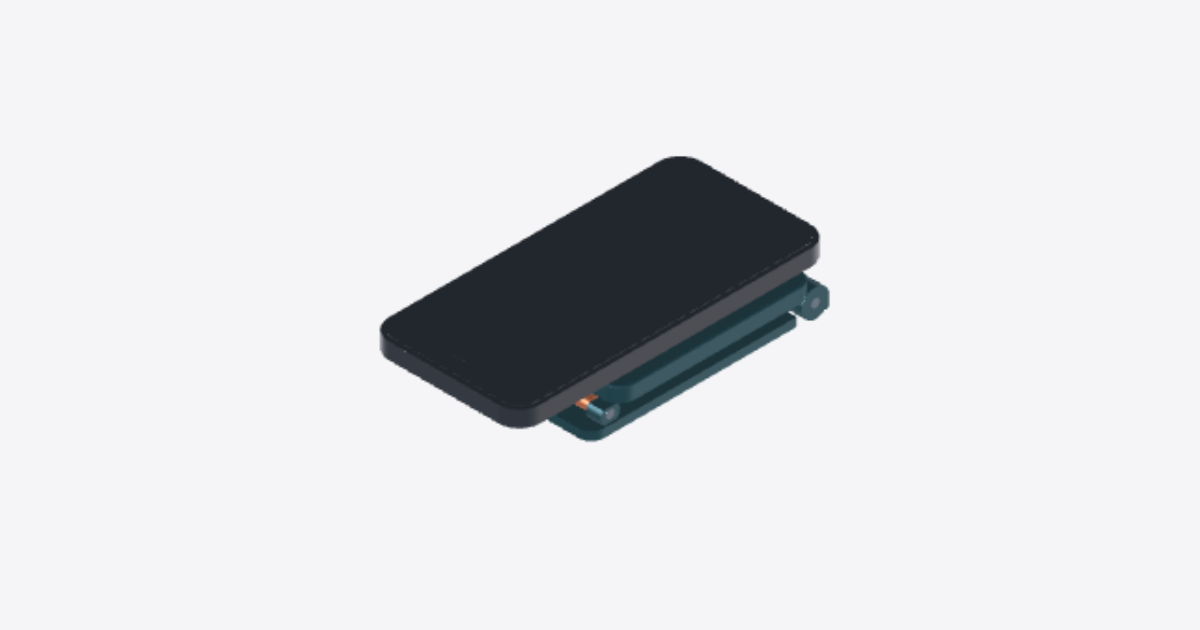
Foldable MagSafe Stand Assembly
8 steps
Lay out and inspect the parts
Unplug the charger. On a clean, level surface, lay out the Z-frame desk base, Open twin-rail riser, Z-frame MagSafe plate, Lower torque pivot hardware, Upper torque pivot hardware, and Apple MagSafe puck. Check bores, recess, and cable openings for debris or burrs. Inspect the cable and plug for damage. Leave the phone off.
Assemble the lower hinge
Set the Z-frame desk base flat. Align the Open twin-rail riser between the base hinge ears. Slide the Lower torque pivot hardware (short pin) straight through the bores. Do not force it or substitute a screw.
Assemble the upper hinge
Support the Open twin-rail riser. Align the Z-frame MagSafe plate at its free end, puck recess outward. Slide the Upper torque pivot hardware (long pin) straight through the bores without forcing it. Verify both pins are retained and cannot shift sideways.
Seat the Apple MagSafe puck
With power unplugged, seat the Apple MagSafe puck squarely in the Z-frame MagSafe plate, charging face out. Feed the plug through the rectangular relief first if it fits freely. Do not trap the cable. Check that the puck is secure before attaching a phone.
Route the cable behind the stand
Open the stand as you feed the cable from the rectangular relief in the Z-frame MagSafe plate, between the Open twin-rail riser rails, and out the Z-frame desk base notch if the plug fits freely. Leave slack for both hinges, clear of hinge barrels and closing surfaces. Stop if the cable rubs, kinks, or binds.
Check both hinges without a phone
Keep fingers clear of hinge gaps and hold the Z-frame desk base flat. Move the Open twin-rail riser and Z-frame MagSafe plate. Both hinges must move smoothly and hold at usable angles. Check the Lower torque pivot hardware and Upper torque pivot hardware for sideways play. Do not load the stand if either hinge slips, binds, or is loose.
Check portrait and landscape use
Set the Z-frame desk base level. Center a compatible phone on the Apple MagSafe puck as shown by the iPhone 15 reference. Support the phone until the magnet grips, then test portrait and landscape with a hand close. The phone and puck must stay seated, the hinges must hold, and the base must not rock or tip.
Verify flat folding without cable pinch
Remove the phone and unplug the charger. Fold the Z-frame MagSafe plate and Open twin-rail riser flat over the Z-frame desk base without force. Watch for pinching or pulling at the hinges, puck relief, and base exit. Reopen and check puck seating and cable damage. If the cable catches or pulls, reroute and retest.