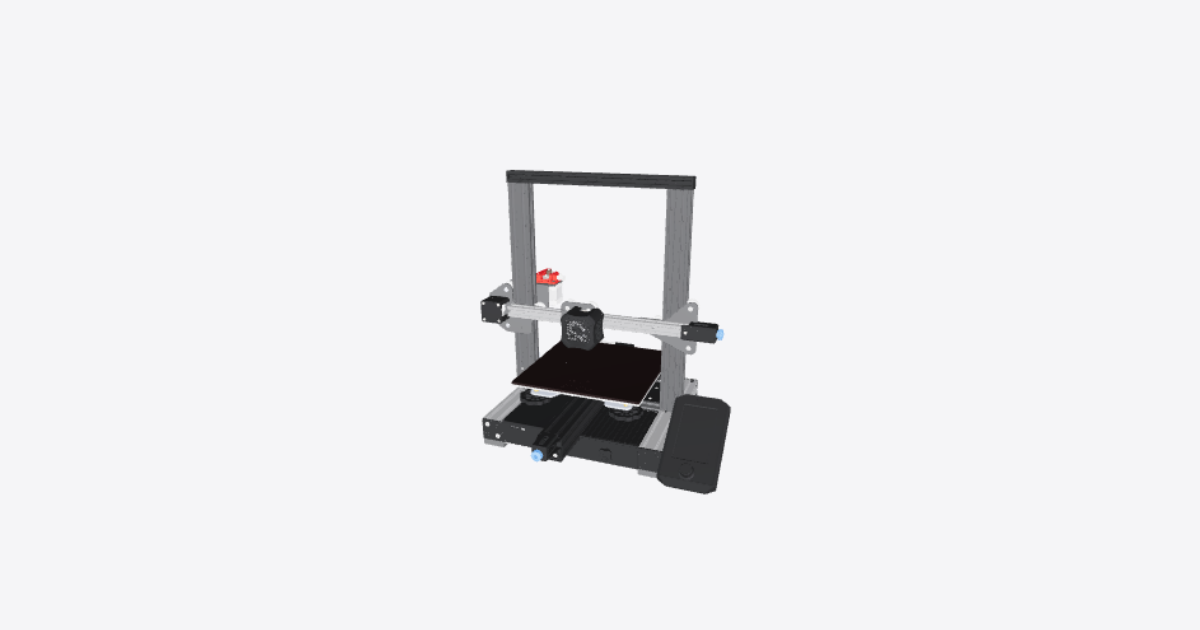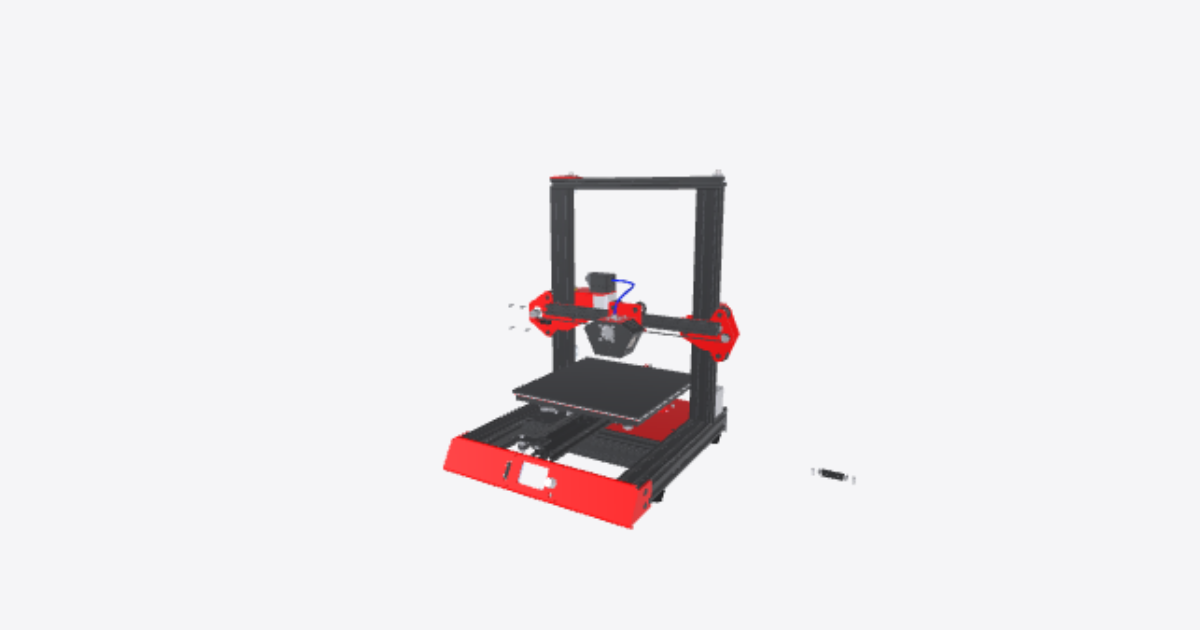
Change the stepper motor
12 steps
Prepare the Stepper motor for removal
Turn off and unplug the machine.
Locate the stepper motor that needs replacement.
Disconnect the wiring harness connected to the stepper motor.Remove X-axis belt
carefully remove X-axis belt with your handsUnscrew the highlighted nuts
Unscrew the highlighted nuts using a Hex keyRemove the GT2 pulley
Loosen the grub screws on the GT2 pulley with a small hex key and slide the pulley off the motor shaft.Unscrew the stepper motor from its mounting position.
Remove the highlighted screws that hold the stepper motor to its mounting plate. Support the motor as the last screw comes out.Remove the Stepper motor
Lift the old stepper motor away from its mount. Note which way its connector faces.Install the new stepper motor in the same position.
Place the new stepper motor on the mount in the same orientation as the old one, with its connector facing the same way.Reattach the wiring harness to the new stepper motor.
Plug the motor cable into the new stepper motor until the connector clicks into place.Screw the new Stepper motor on its mounting
Refit the motor screws and tighten them evenly so the motor sits flat on its mount.Refit the GT2 pulley
Slide the GT2 pulley onto the new motor shaft, line it up with the belt path, and tighten its grub screws (one should bear on the flat of the shaft).Screw the highlighted nuts
Screw the highlighted nuts using a Hex keyPut back X-axis belt
carefully put back X-axis belt with your hands. Make sure the belt sits in the pulley teeth and is taut, then move the print head by hand to check it runs smoothly.