Bed levelling
9 steps
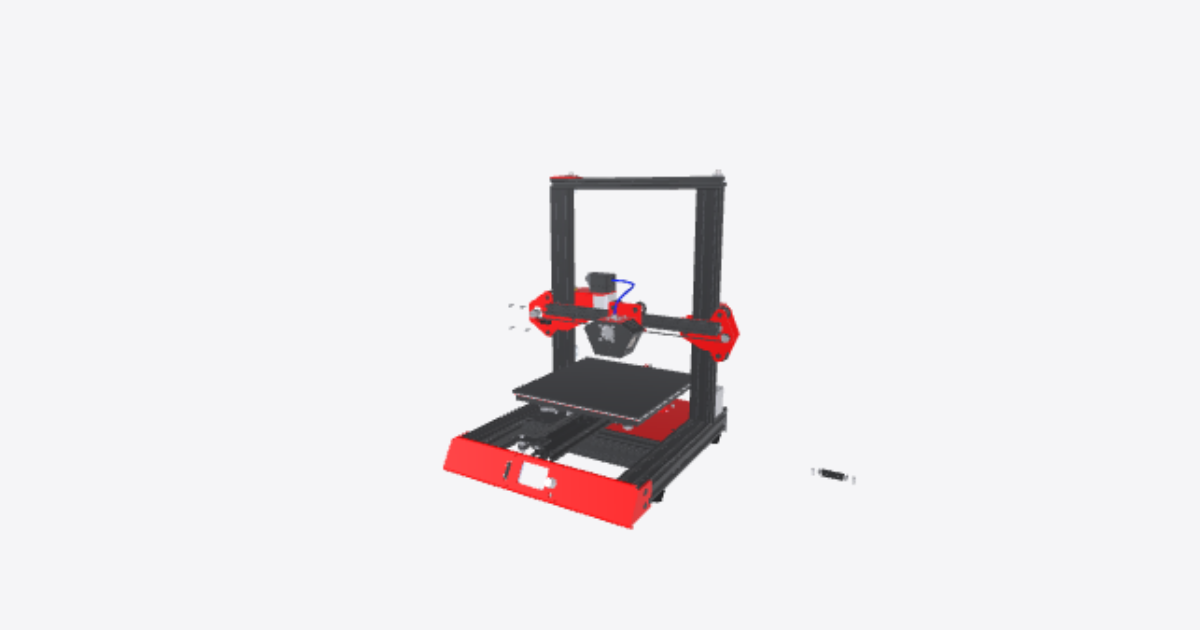
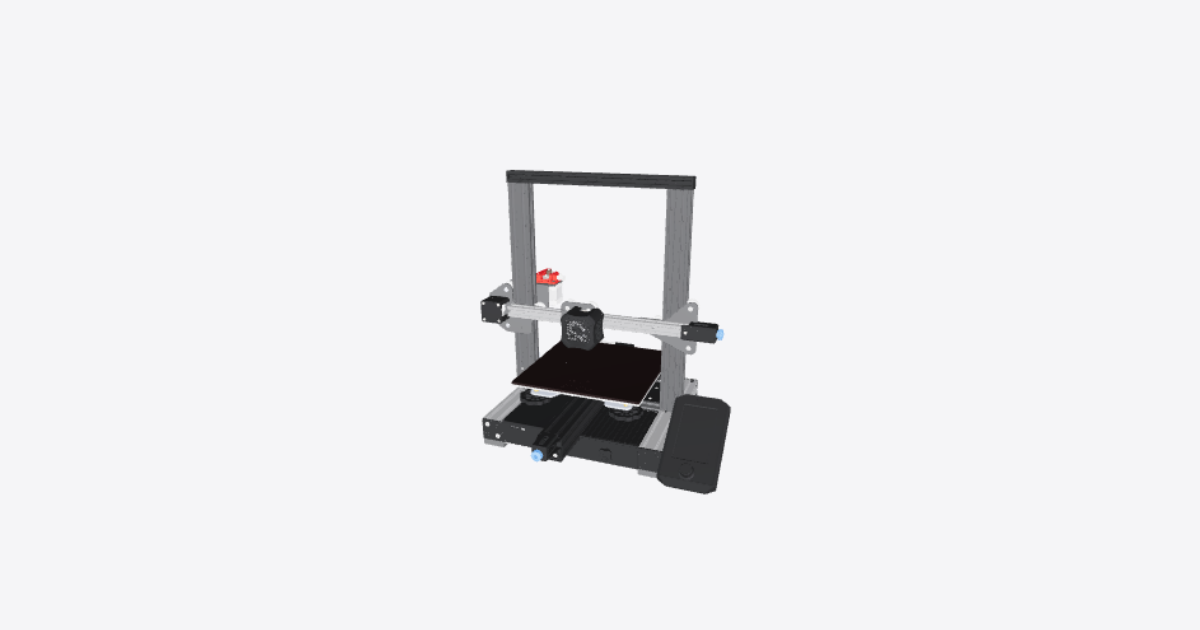
Remove glass plate
Remove the glass from the bed of the printer by prising the 2 securing clips away from the edge of the bed and removing the glass plate.Clean glass plate
Peel the protective film off the glass plate, ensure it is clean on both sides, and also clean the surface of the aluminium bed.Tighten levelling knobs
Tighten the levelling knobs (anti-clockwise) to compress the springs and lower the build plate. Ensure the bottom of the build plate stays clear of the ends of the Y axis drive belt.Refit glass plate
Refit the glass plate with the smooth side down on top of the aluminium bed, making sure it is square, and attach it using the clips.Auto home the printer
Turn on the printer, navigate to Prepare, select Auto Home, and let the machine complete its homing sequence to move the nozzle to the front-left, lowest position.Place paper under nozzle
Lay a thin sheet of paper flat on the build plate directly beneath the nozzle to prepare for leveling.Position nozzle at levelling points
Manually or via controls, move the nozzle to the four bed levelling positions about 30 mm in from each corner (X/Y 30/30, 30/205, 205/205, 205/30). Ensure steppers are disabled before moving axes by hand.Adjust bed leveling knobs
At each leveling point, move the paper under the nozzle while turning the bed adjustment knobs until you feel light friction between the paper and the nozzle.Recheck all four bed corners
Repeat the bed leveling adjustment at each of the four corners. Then run auto home and go through the full adjustment sequence a second time to account for interactions between corners.