TwinWorks
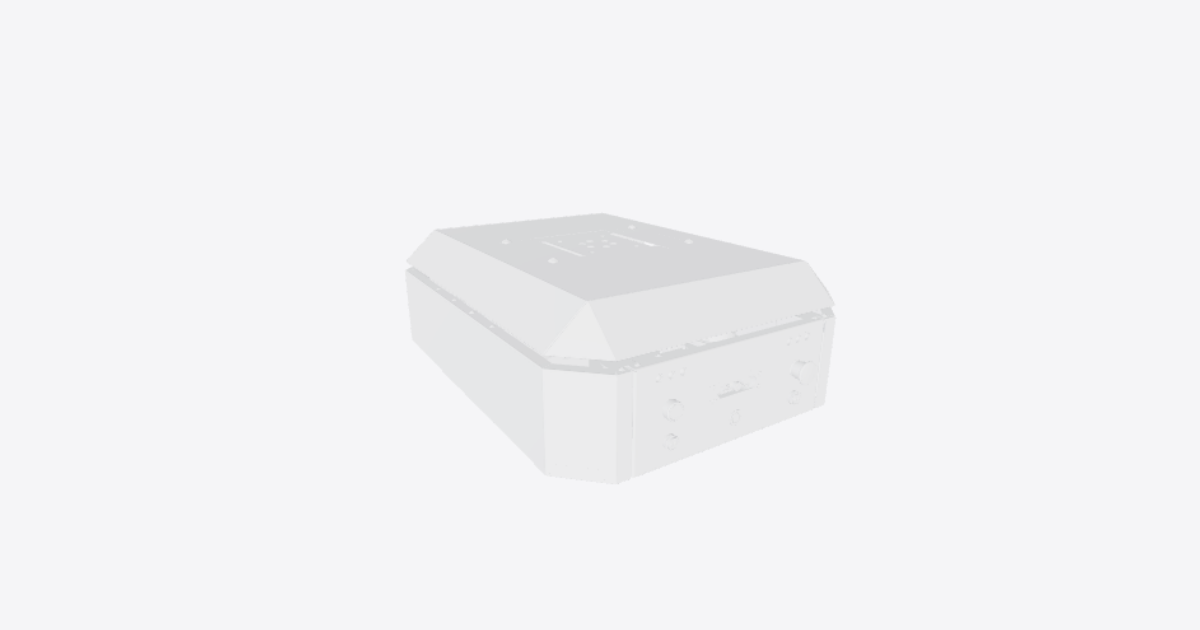
OpenAMR autonomous mobile robot – 3D model preview

OpenAMR autonomous mobile robot

Téa · Robotics · 3D model · Updated 30 Oct 2026

Open in 3D

  • Procedures2shared publicly
  • Views0all time
  • Rating–No ratings yet
  • Likes0from the Community

0 comments

Procedures

24 V battery fuse and disconnect retrofit

Usage · 6 steps · No ratings yet

Warning: Current build has no confirmed battery fuse or battery-side disconnect

Danger: Do not energize the unprotected battery positive conductor

Warning: Fuse or breaker location is not confirmed in the current build

Warning: Battery-side disconnect is not confirmed in the current build

Caution: Verify downstream feeds are protected

Danger: Do not connect battery and mains-derived 24 V at the same time

6 steps
  1. 24 V battery fuse and disconnect retrofit overview

    This guide shows where to add protection on the 24 V battery positive path, highlighting the planned locations for:

    • Battery positive conductor
    • Battery-side fuse or breaker
    • Battery-side disconnect or emergency-stop cut-off
    • 24 V bus routing to motor drivers and the DC-DC converter

    Important: the current build has no confirmed battery fuse and no confirmed battery-side disconnect. Treat the highlighted locations as retrofit placement guidance until the electrical design is confirmed.

  2. Identify the 24 V battery positive conductor path

    Trace the planned 24 V battery positive conductor from the battery positive terminal toward the 24 V distribution area.

    Keep the conductor route short, mechanically protected, and clearly separated from low-voltage signal wiring. Mark this as the protected positive path that must pass through the battery-side fuse or breaker before feeding the rest of the 24 V bus.

  3. Place the battery-side fuse or breaker close to the battery

    Locate the battery-side fuse or breaker in the battery positive path, as close to the battery positive terminal as practical.

    This device should be upstream of the 24 V bus so that a downstream short in the wiring, motor-driver feed, or DC-DC converter feed is protected by the battery-side over-current device.

  4. Place the battery-side disconnect or E-stop cut-off

    Locate the battery-side disconnect or emergency-stop cut-off so it interrupts the battery positive feed before the 24 V bus is energized.

    The cut-off should be easy to reach and should remove battery power from the motor-driver feeds and DC-DC converter feed when opened or pressed.

  5. Route the protected 24 V bus to motor drivers and DC-DC converter

    From the output side of the battery fuse or breaker and disconnect, route the protected 24 V bus to the motor-driver supply inputs and the DC-DC converter input.

    Use this step to verify that each downstream 24 V load is fed only from the protected side of the battery-side fuse or breaker and disconnect.

  6. Verify battery 24 V and mains-derived 24 V are not tied together

    Before energizing the system, verify that the battery-derived 24 V supply and any mains-derived 24 V supply are not connected at the same time.

    1. Open the battery-side disconnect or remove the battery fuse/breaker.
    2. Confirm the mains-derived 24 V supply is isolated from the battery positive path.
    3. Check that there is no backfeed between the battery 24 V bus and the mains-derived 24 V bus.
    4. Only energize one 24 V source path at a time unless the electrical design explicitly provides approved source-selection or isolation hardware.
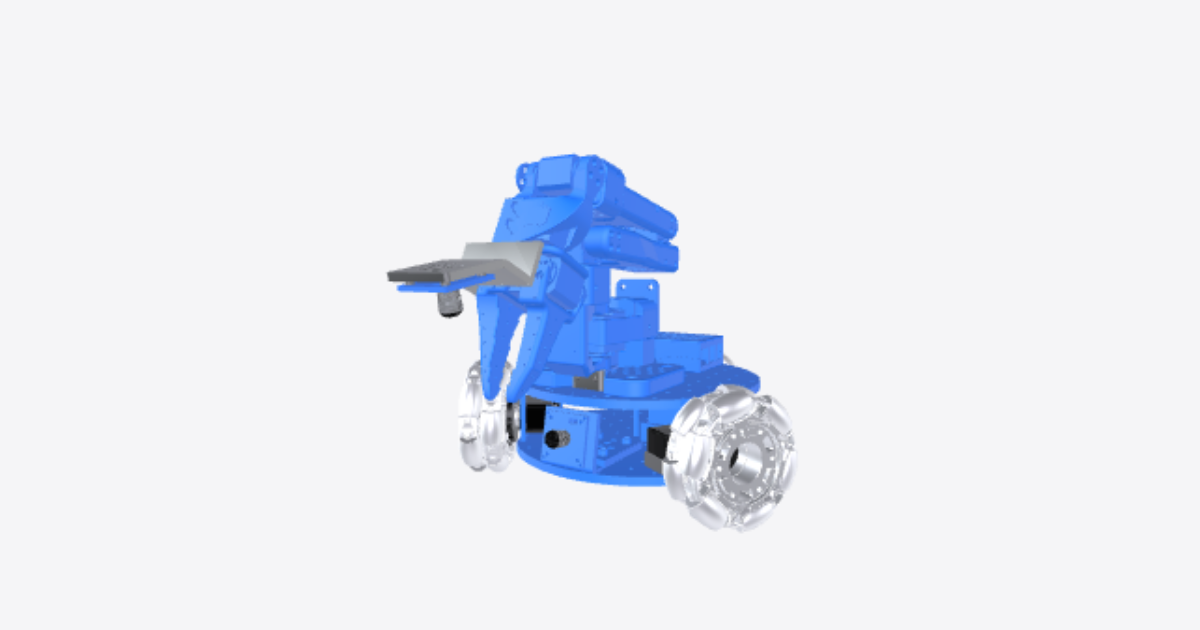

Pre-operation safety and power inspection

Usage · 12 steps · No ratings yet

Warning: Known hardware isolation limitations

Danger: Software shutdown is not lockout

Warning: Battery-side wiring may remain energized

Danger: 230 V AC converter terminals are potentially lethal

Danger: Back-feed hazard on shared 24 V bus

Danger: Confirm no hazardous motion before touching wiring

Warning: Only one 24 V source may be connected

Danger: Do not connect battery and mains 24 V sources together

Warning: Do not operate with loose or unclear power connections

Warning: Loose electrical connections can create motion or power hazards

Caution: Do not operate with loose or obstructed sensors

Danger: Keep wheels, low obstacles, and personnel clear

12 steps
  1. Safety basis and known limitations

    Reason: the hardware repository identifies the lack of a battery fuse and the lack of a battery-side disconnect / hardware E-stop as major safety limitations.

    Use this procedure as the required safety check before operation, testing, or electrical service. Treat software shutdown and network state as informational only; they do not isolate stored or incoming electrical energy.

  2. Electrical isolation before service — prepare the robot

    Before touching wiring, place the robot in a stable service condition.

    1. Stop the robot and keep hands clear of wiring and moving parts.
    2. Confirm the area around the wheels is clear.
    3. Identify all possible power sources before opening or handling electrical connections.
    4. Plan to isolate both the 24 V battery path and the mains AC/DC converter path.
  3. Isolate the 24 V battery source

    Isolate the 24 V battery source before service.

    1. Locate the battery area and battery-side wiring.
    2. Disconnect or remove the 24 V battery source using the approved project method.
    3. Because there is no identified battery fuse or battery-side disconnect, treat the battery-side wiring as live until proven otherwise.
    4. Do not rely on firmware, ROS, or network status as an isolation method.
  4. Isolate the mains AC/DC 24 V source

    Isolate the mains AC/DC converter before service.

    1. Disconnect the 230 V AC input supply to the AC/DC 24 V converter.
    2. Prevent reconnection while service is in progress.
    3. Allow stored energy to discharge before touching downstream wiring.
    4. Keep clear of converter terminals unless the mains source has been isolated and verified safe.
  5. Verify the shared 24 V bus is de-energized

    Confirm that the shared 24 V bus is de-energized before continuing.

    1. Check the 24 V bus after isolating the battery source.
    2. Check the 24 V bus after isolating the mains AC/DC 24 V source.
    3. Confirm no back-feed is present from either source.
    4. Do not proceed until the bus is confirmed de-energized.
  6. Verify downstream power paths are de-energized

    Verify that downstream power paths are de-energized before touching wiring.

    1. Check the motor-driver power terminals.
    2. Check the DC-DC converter input and output.
    3. Check the Raspberry Pi 5 power path.
    4. Check the Teensy 4.0 power path.
    5. Confirm no hazardous motion can occur before touching any wiring.
  7. Power-source selection check — identify the two 24 V sources

    Use this check before powering the robot.

    1. Identify the 24 V battery source.
    2. Identify the 230 V AC/DC 24 V source.
    3. Identify where both sources feed the shared 24 V bus.
    4. Check for any cable or connector arrangement that could connect both sources at the same time.
  8. Decision point — only one 24 V source at a time

    Decision: choose one and only one 24 V source before energizing the shared 24 V bus.

    • Battery operation: connect the 24 V battery source and keep the mains AC/DC 24 V source disconnected.
    • Mains operation: connect the 230 V AC/DC 24 V source and keep the battery source disconnected.
    • Do not proceed: if both sources are connected, if the source state is unclear, or if there is any possible back-feed path.
  9. Daily pre-operation inspection — battery area and voltage check point

    Perform this daily or before each test.

    1. Inspect the battery area for damage, loose wiring, loose connectors, or signs of overheating.
    2. Check the battery voltage check point using the approved project method.
    3. Confirm the selected source matches the intended test configuration.
    4. Do not operate if the source, voltage, or connector condition is unclear.
  10. Daily pre-operation inspection — 24 V bus and electronics

    Inspect the electrical distribution and controller power paths.

    1. Inspect the 24 V bus for secure wiring and no exposed conductors.
    2. Inspect the motor drivers and motor-driver power terminals.
    3. Inspect the DC-DC converter input and output wiring.
    4. Inspect the Raspberry Pi 5 power path.
    5. Inspect the Teensy 4.0 power path.
    6. Check for loose cables and loose connectors throughout the electronics area.
  11. Daily pre-operation inspection — LiDAR and camera

    Inspect the perception sensors before operation.

    1. Check that the LiDAR is mounted securely and unobstructed.
    2. Check that the camera is mounted securely and unobstructed.
    3. Check sensor cables and connectors for looseness or damage.
    4. Do not operate if a perception sensor is loose, blocked, or disconnected.
  12. Daily pre-operation inspection — wheels, obstacles, and personnel clear

    Complete the final motion-safety check before energizing or commanding movement.

    1. Inspect the wheel assemblies for visible damage, loose fasteners, rubbing, or obstruction.
    2. Confirm the wheels are clear and can rotate without contacting objects.
    3. Confirm low obstacles are clear of the robot path.
    4. Confirm all personnel are outside the motion area before testing.

Related products

  • LeKiwi mobile robot

    Téa

    Robotics · 3D model · 1 procedure

    No ratings yet

    0 likes · 0 comments · 0 views

  • SO-101 robot arm: wiring and checks

    Téa

    Robotics · 3D model · 6 procedures

    No ratings yet

    0 likes · 0 comments · 0 views

  • OpenManipulator-X robot arm

    Téa

    Robotics · 3D model · 1 procedure

    No ratings yet

    0 likes · 0 comments · 0 views

  • OpenArm v1.1 leader arm

    Téa

    Robotics · 3D model · 8 procedures

    No ratings yet

    1 like · 0 comments · 15 views

  • SO-101 robot arm

    Téa

    Robotics · 3D model · 10 procedures

    No ratings yet

    0 likes · 0 comments · 181 views

  • Robo Dog

    Omar ElSamalouty

    Robotics · 3D model · 2 procedures

    No ratings yet

    2 likes · 0 comments · 7 views