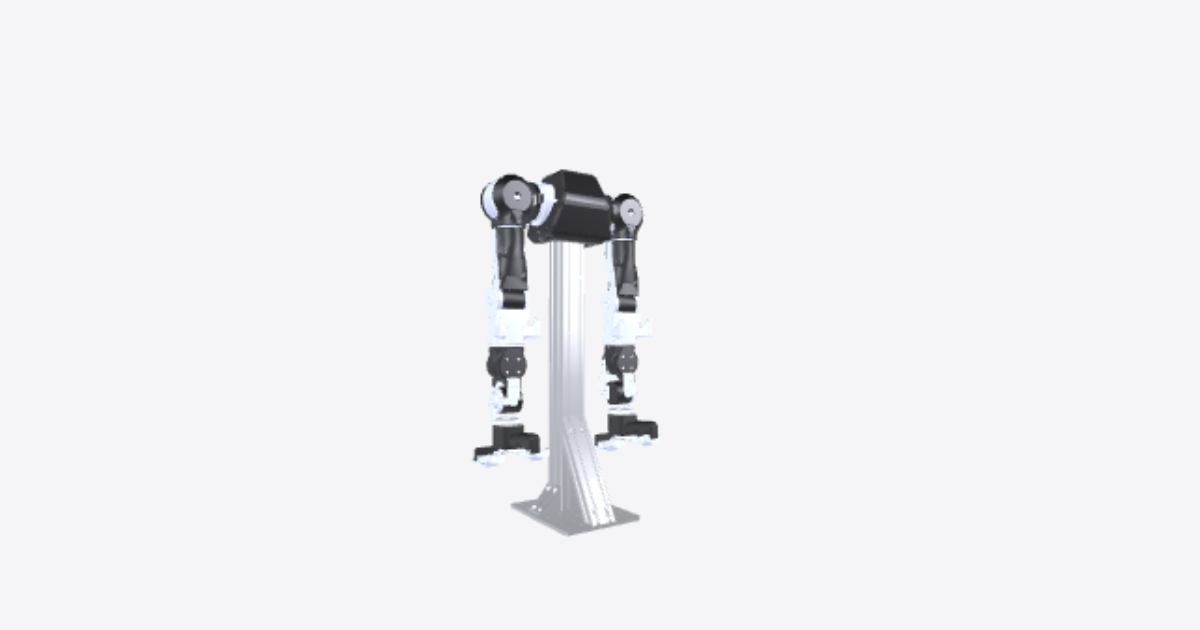
1. Pedestal assembly
12 steps
Place Base Plate
Step 1: Pedestal Assembly
WARNING
Before starting the assembly, configure motor IDs by following Step 1: Setup Motor ID.
Place the base plate on a flat surface.Place Aluminum Extrusion
Place the 750 mm 60x60 aluminum extrusion on the base plate, making sure the two holes on the longer side of the base plate stay clear and in front of the extrusion.Insert T-slot Nuts
Ensure that the required T-slot nuts are already inserted into the extrusion channels. If they are not pre-inserted, you can still add them by carefully angling them into the slot and sliding them into place.Insert T-slot Nuts
Ensure that the required T-slot nuts are already inserted into the extrusion channels. If they are not pre-inserted, you can still add them by carefully angling them into the slot and sliding them into place.Insert T-slot Nuts
Ensure that the required T-slot nuts are already inserted into the extrusion channels. If they are not pre-inserted, you can still add them by carefully angling them into the slot and sliding them into place.Place Left Side Bracket
Place one side bracket on the left side of the aluminum extrusion.Place Right Side Bracket
Place one side bracket on the right side of the aluminum extrusion.Align Side Brackets
Align the brackets so that the holes line up with those on both the base plate and the nuts in the extrusion.Secure Side Brackets with Bolts
Using M6x12 bolts, tighten each bracket by inserting bolts through the base plate and into the T-slot nuts in the extrusion.Secure Side Brackets with Bolts
Using M6x12 bolts, tighten each bracket by inserting bolts through the base plate and into the T-slot nuts in the extrusion.Position Reinforcement Bracket
Align one right angle 30°-60° reinforcement bracket with both the base plate and the aluminum extrusion.Secure Reinforcement Bracket with Bolts
Secure the bracket using M6x12 bolts, fastening it to both the base plate and the aluminum extrusion.
INFO
That concludes the Pedestal Assembly.