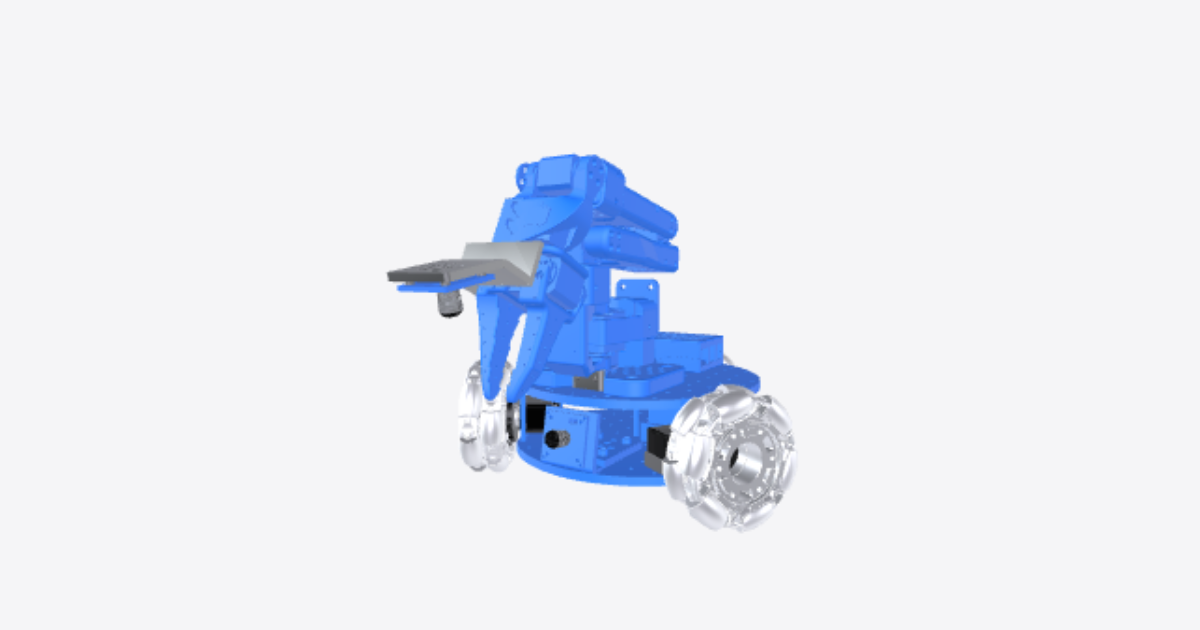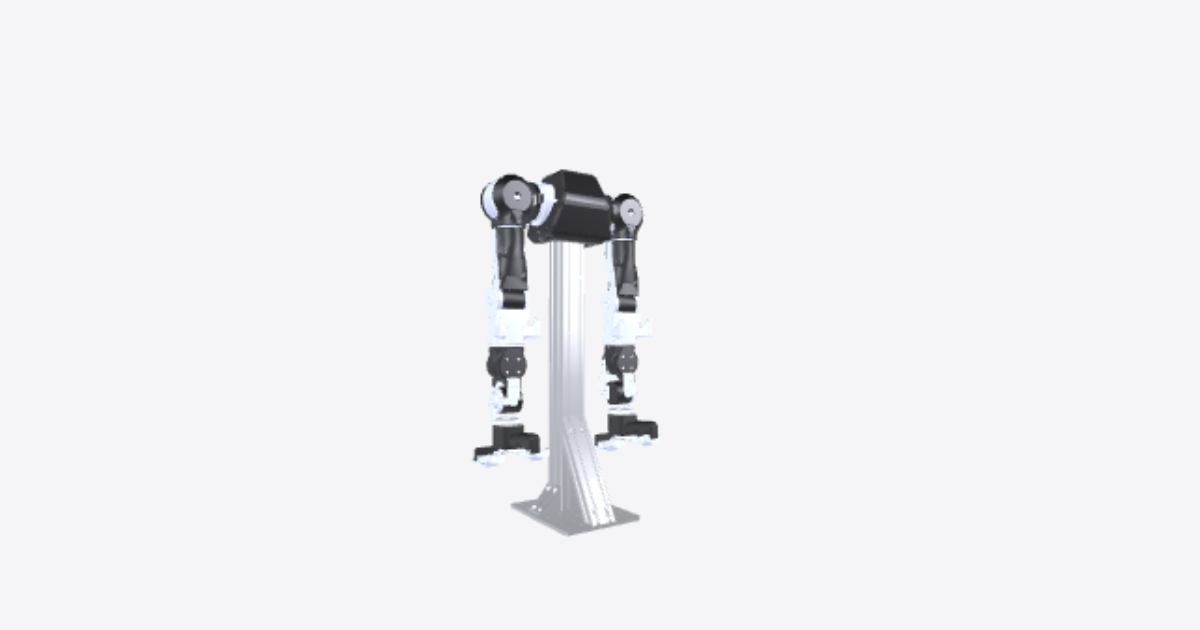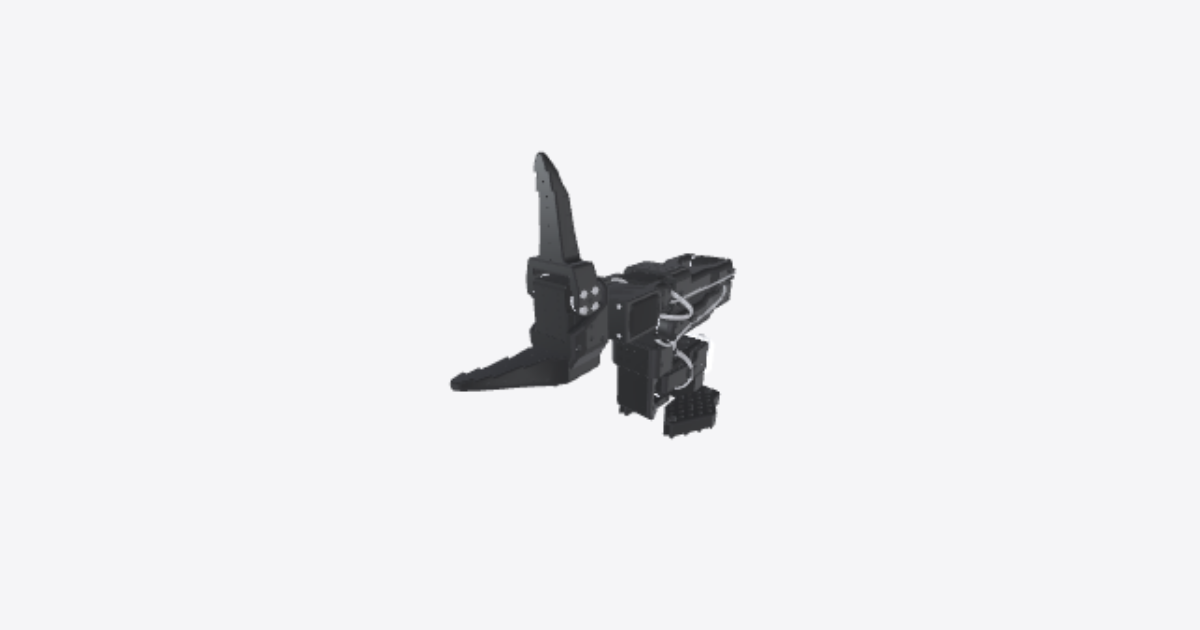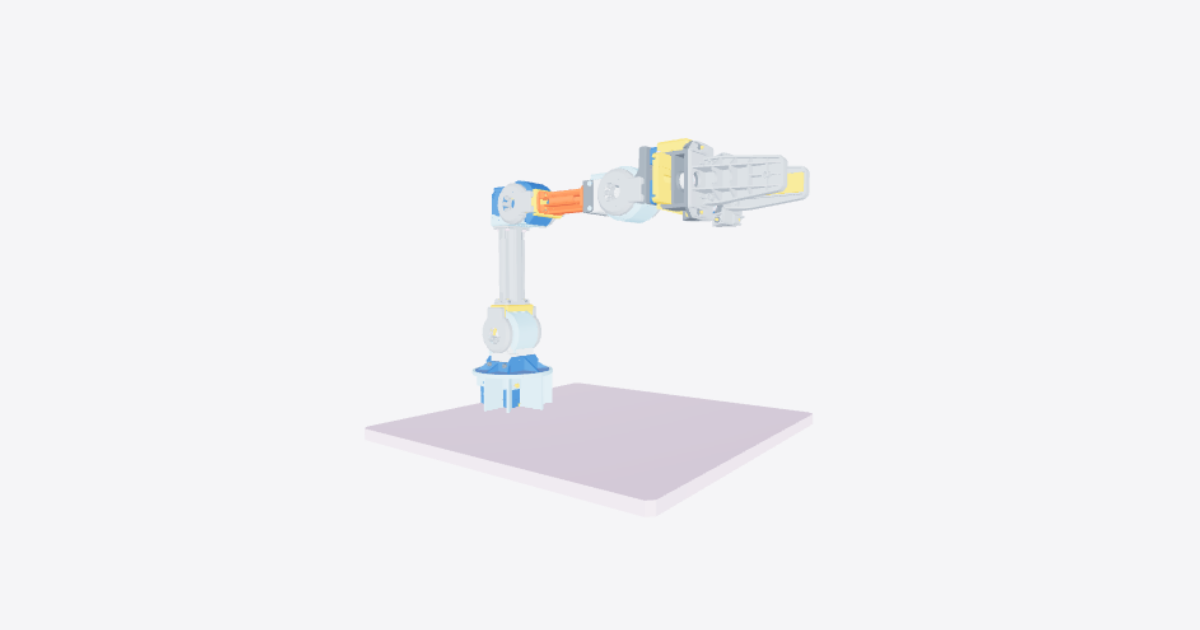
Assembly of OpenManipulator
23 steps
Insert M3 nut
Insert the M3 nut into the crank arm from the underside until it is fully seated.Assemble link rod to palm gripper
Join the LINK ROD and RAIL BLOCK to the PALM GRIPPER, securing them with WB-M2.5x8 screws and NUT-M2.5 fasteners.Attach rubber pad
Press the rubber pad firmly onto the inner side of the palm gripper, ensuring full surface contact with no gaps or wrinkles.Assemble link rod to rail block
Position the LINK ROD at the center of the RAIL BLOCK, then secure it in place with the FLANGE BUSH and WB-M3x10 fastener.Assemble rail brackets
Attach the right rail bracket securely to the left rail bracket until they form a single assembly.Assemble crank arm to servo horn
Position the crank arm onto the horn of DYNAMIXEL ID 15 and fasten it in place using the WB-M2x4 screw.Assemble DYNAMIXEL to rail brackets
Mount the DYNAMIXEL (ID 15) between the right and left rail brackets and fasten it using the WB-M2.5x12 and WB-M2.5x4 screws.Insert link rod assembly (repeat steps 1, 2, 3, 4 for the left side)
Slide the assembled link rod, rail block, and palm gripper fully into the rail bracket until seated.Assemble flange bush joint
Join the flange bush to the crank arm and link rod using the WB-M3x10 fastener, tightening it securely while keeping the parts aligned.Assemble FR12-S102K bracket
Mount DYNAMIXEL (ID 11) to the FR12-S102K bracket using the WB-M2x3 screws, fully tightening all fasteners.Assemble DYNAMIXEL ID 12 to FR12-S102K
Insert X-SP spacers into the bolt holes of DYNAMIXEL ID 12, then assemble it to the FR12-S102K bracket using FHS-M2.5x14 screws. Connect DYNAMIXEL ID 12 to DYNAMIXEL ID 11 using the CABLE-X3P-180 cable, and connect the CABLE-X3P-240 cable to DYNAMIXEL ID 11.Assemble FR12-H101K to link frame (long)
Pass the CABLE-X3P-240 cable from DYNAMIXEL ID 12 through the hole of the LINK FRAME (LONG). Assemble the FR12-H101K bracket to the LINK FRAME (LONG) using WB-M2.5x8 screws and NUT-M2.5 nuts.Assemble link frame (long) to FR12-S101K
Attach the LINK FRAME (LONG) assembly to the FR12-S101K bracket and secure it using WB-M2.5x6 screws.Assemble FR12-H101K to link frame (short)
Pass the CABLE-X3P-180 cable from DYNAMIXEL ID 13 through the hole of the LINK FRAME (SHORT). Assemble the FR12-H101K bracket to the LINK FRAME (SHORT) using WB-M2.5x8 screws and NUT-M2.5 nuts.Assemble link frame (short) to FR12-S102K
Attach the LINK FRAME (SHORT) assembly to the FR12-S102K bracket and secure it using WB-M2.5x6 screws.Assemble DYNAMIXEL ID 13 to FR12-H101K
Assemble DYNAMIXEL ID 13 to the FR12-H101K bracket using WB-M2x3 screws. Connect DYNAMIXEL ID 13 and DYNAMIXEL ID 14 using the CABLE-X3P-180 cable, and check the horn alignment marking view before continuing.Assemble DYNAMIXEL ID 14 to FR12-S102K
Insert X-SP spacers into the bolt holes of DYNAMIXEL ID 14, then assemble it to the FR12-S102K bracket using FHS-M2.5x14 screws. Connect DYNAMIXEL ID 14 and DYNAMIXEL ID 15 using the CABLE-X3P-100 cable.Assemble FR12-H104K to gripper
Insert the X-SP into the bolt holes of DYNAMIXEL ID 15, then fasten the FR12-H104 mount to the gripper using the WB-M2.5x17 screws.Assemble DYNAMIXEL ID 14 and gripper
Assemble DYNAMIXEL ID 14 and the gripper using WB-M2x3 screws. Ensure the parts remain aligned while tightening the screws.Insert X-SP spacers for the upper DYNAMIXEL joint
Before fastening the upper DYNAMIXEL assembly, insert the four X-SP spacers into the motor bolt holes so the joint is ready for the FHS-M2.5x14 screws used in the next step.Fasten DYNAMIXEL ID 13 through X-SP
Assemble DYNAMIXEL ID 13 using the FHS-M2.5x14 screws through the X-SP spacers. Tighten the four screws evenly while keeping the DYNAMIXEL and frame aligned.Fasten DYNAMIXEL ID 12 using WB-M2x3 screws
Assemble DYNAMIXEL ID 12 using the WB-M2x3 screws. Tighten the screws evenly and keep the frame and DYNAMIXEL aligned to complete the upper joint assembly.Optional covers
Optional: 3D-printed covers stop debris from getting caught between the DYNAMIXEL servos and the frame. Download them from Thingiverse or Onshape by scanning the QR codes in the photo.