TwinWorks
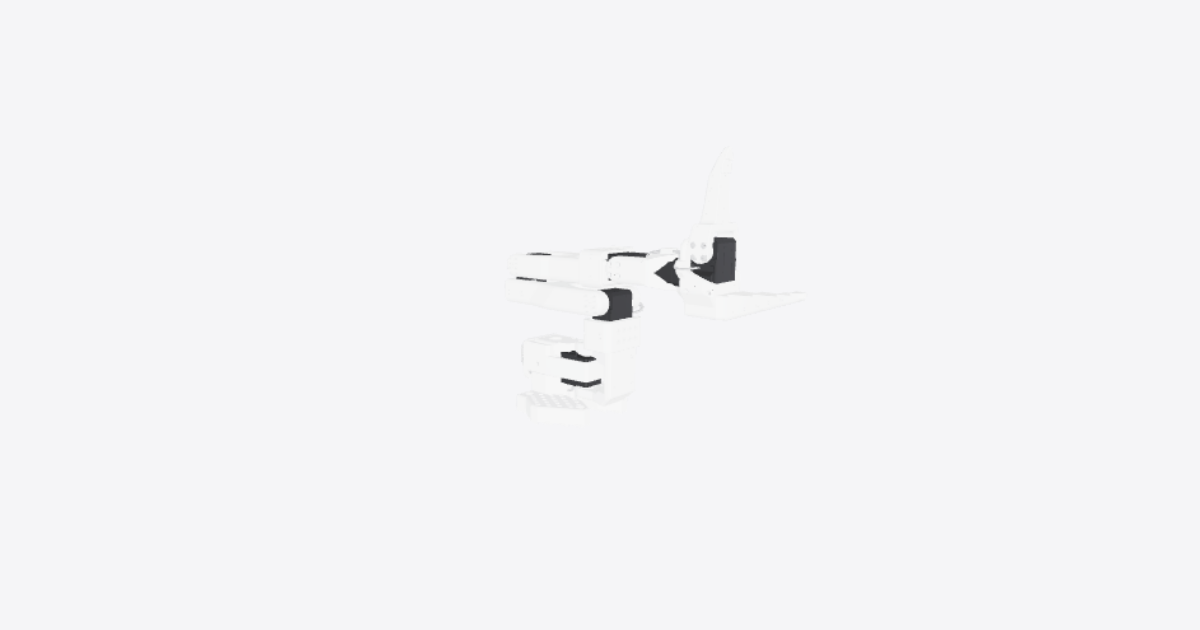
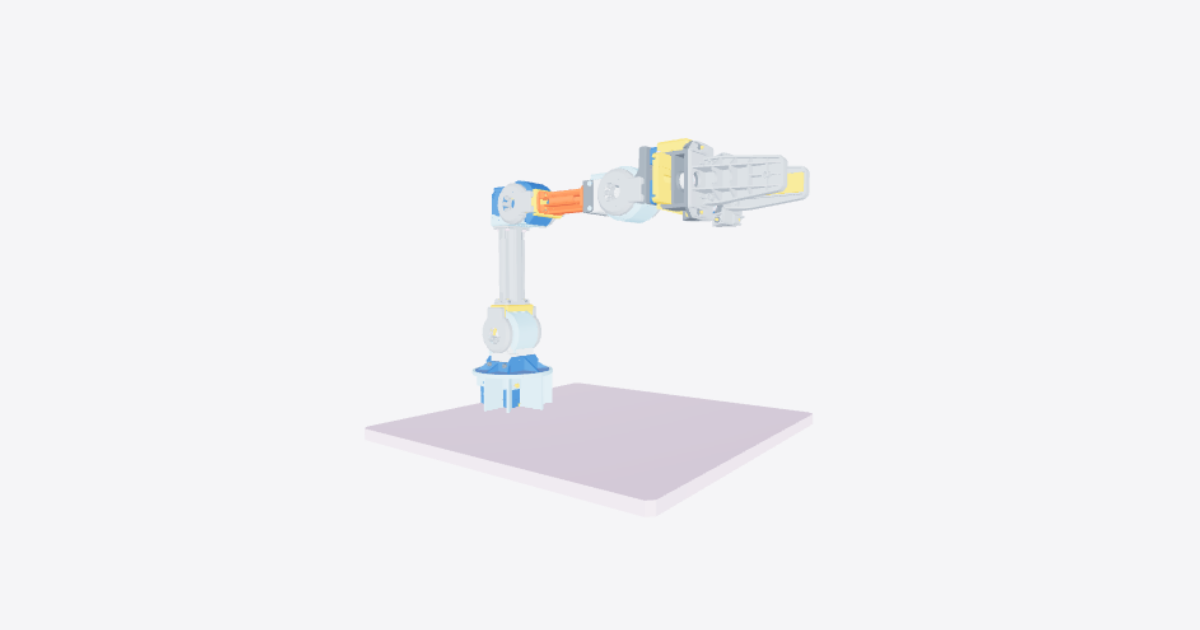
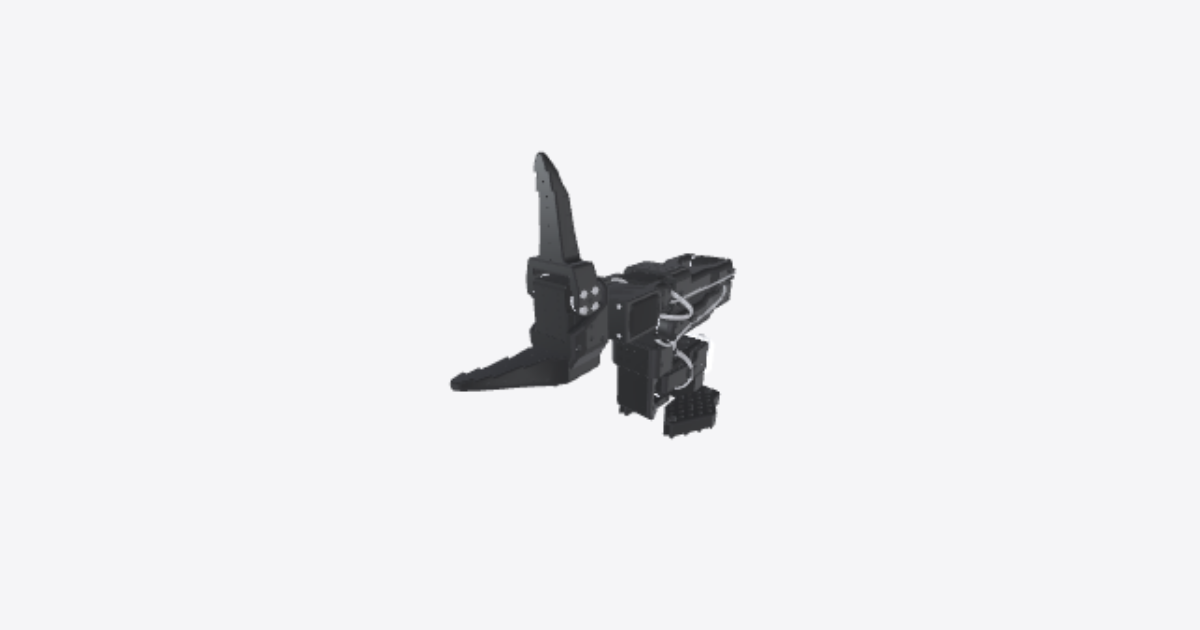
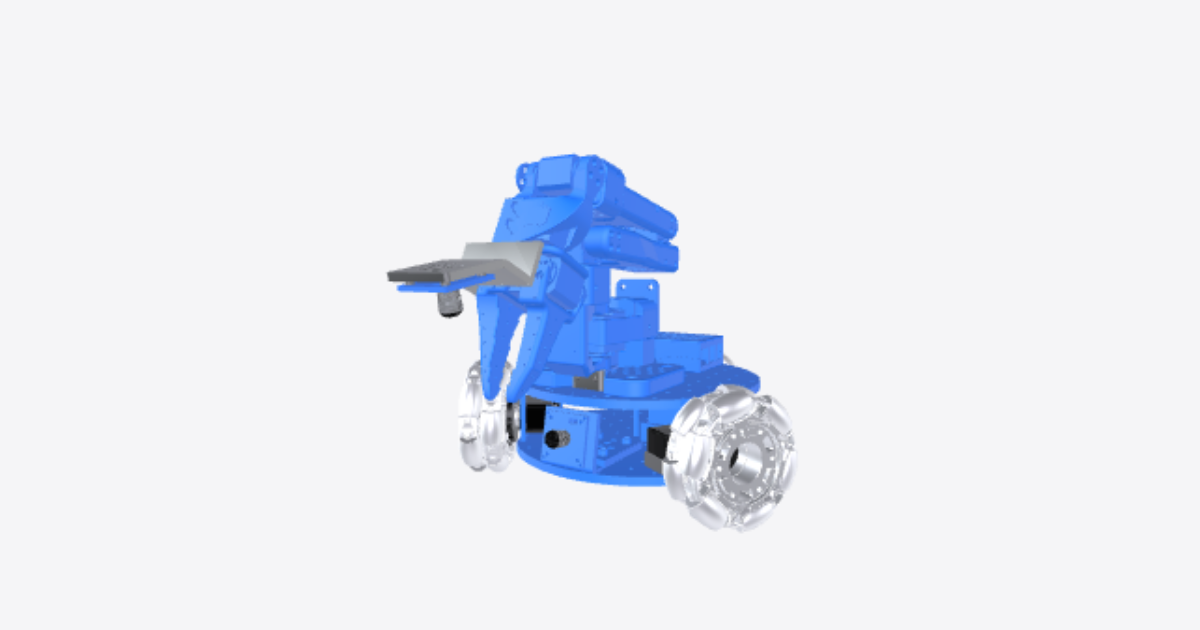
SO-101 robot arm – 3D model preview

SO-101 robot arm

Téa · Robotics · 3D model · Updated 30 Oct 2026

Open in 3D

  • Procedures10shared publicly
  • Views181all time
  • Rating–No ratings yet
  • Likes0from the Community

0 comments

Procedures

Full assembly

Assembly · 44 steps · No ratings yet

44 steps
  1. Put the Base in place

    Put the Base of the SO101 in place in order to assemble other parts on it
  2. Put in place the first servomotor

    Put in place the first servomotor as shown. Tip: each servomotor needs its own ID (1 to 6, from the base up) before it goes into the arm, because all six share one cable bus. Set the IDs first, for example with LeRobot's motor setup command.
  3. Screw the servomotor in the Base

    Screw the servomotor in the Base by screwing the 4 highlighted screws as shown.
  4. Put in the servomotor cover in place

    Slide the highlighted cover onto servomotor 1 from the rear until it sits flush with the base and its two side screw holes line up.
  5. Screw the cover of the servomotor

    Screw the cover of the servomotor in order not to move
  6. Put in place the rotation pitch part

    Put in place the rotation pitch part on the servomotor
  7. Screw the Rotation Pitch

    Screw the Rotation Pitch to the servomotor using the upper side screws
  8. Screw the Rotation Pitch

    Screw the Rotation Pitch to the servomotor using the lower side screws
  9. Assemble the cover of the Rotation Pitch

    Fit the highlighted cover onto the rotation pitch part so it sits flush and its edges line up with the part.
  10. Put in place the second servomotor

    Insert servomotor 2 into the rotation pitch part in the orientation shown, with its output shaft on the side where the arm will attach. Route its cable so it will not be pinched by the arm.
  11. Screw the second servomotor

    Screw the second servomotor in the Rotation Pitch
  12. Assemble the arm

    Assemble the arm on the second servomotor
  13. Screw the first set of screws

    Fasten the first highlighted set of screws to fix the arm to servomotor 2. Tighten them evenly so the arm sits flat.
  14. Screw the second set of screws

    Fasten the second highlighted set of screws on the other side of servomotor 2. The arm should now be held firmly on both sides with no play.
  15. Put in place the third servomotor

    Insert servomotor 3 into the end of the arm in the orientation shown, with its output shaft on the side where the second arm will attach. Route its cable along the arm.
  16. Screw the third servomotor

    Screw the third servomotor in the arm
  17. Assemble the second arm

    Place the second arm onto servomotor 3 in the orientation shown, so its screw holes line up with the servo on both sides.
  18. Screw the first set of screws

    Screw the arm to the servomotor using the first set of screws
  19. Screw the second set of screws

    Fasten the second highlighted set of screws to finish fixing the second arm to servomotor 3.
  20. Assemble the part as shown

    Assemble the part on the arm as shown
  21. Put in place the fourth servomotor

    Insert servomotor 4 into the end of the second arm in the orientation shown. Route its cable along the arm so it will not be pinched.
  22. Screw the fourth servomotor

    Screw the fourth servomotor to the arm
  23. Put in place the part as shown

    Put in place the part on the servomotor as shown
  24. Screw the part as shown

    Screw the part using the screws as shown
  25. Screw the part as shown

    Screw the part using the screws as shown
  26. Put in place the fifth servomotor

    Slide servomotor 5 into the wrist bracket through its open side, in the orientation shown, with its output shaft facing the gripper end.
  27. Add the washer

    Add the servomotor washer
  28. Screw the fifth servomotor

    Fasten servomotor 5 to the wrist bracket with the highlighted screws. Tighten them evenly.
  29. Put in place the lower jaw

    Place the lower (fixed) jaw onto the washer of servomotor 5 in the orientation shown, with its screw holes lined up.
  30. Screw the jaw to the washer and servomotor

    Fasten the lower jaw to the washer of servomotor 5 with the first highlighted screws.
  31. Screw the jaw to the washer and servomotor

    Fit the remaining highlighted screws to finish securing the lower jaw to the washer.
  32. Put in place the nuts

    Press the two highlighted nuts into their recesses in the lower jaw so they sit flush. Do this now: they are hard to reach once servomotor 6 is in place.
  33. Put in place the sixth servomotor

    Slide servomotor 6 (the gripper motor) into the lower jaw in the orientation shown, with its output shaft on the side where the moving jaw will attach.
  34. Screw the sixth servomotor

    Fasten servomotor 6 to the lower jaw with the highlighted screws on both sides.
  35. Put in place the upper jaw

    Place the moving (upper) jaw onto the output horn of servomotor 6 in the orientation shown.
  36. Screw the upper jaw

    Fasten the moving jaw to the servo horn with the first highlighted set of screws.
  37. Screw the upper jaw

    Fit the second set of screws to finish securing the moving jaw. Gently open and close the jaw by hand to check that it moves freely.
  38. Assemble the PCB

    Fit the servo driver board (PCB) in its place at the base as shown, with its connectors accessible for the servo cable, power and USB.
  39. Plug the first servomotor to the PCB

    Connect a 3-pin servo cable from the driver board to servomotor 1.
  40. Plug the first servomotor to the second servomotor

    Connect servomotor 1 to servomotor 2 with a 3-pin cable. The servos are daisy-chained: each has two identical ports, so either port can be used.
  41. Plug the second servomotor to the third servomotor

    Connect servomotor 2 to servomotor 3. Route the cable along the arm, leaving enough slack for the shoulder and elbow to move through their full range.
  42. Plug the third servomotor to the fourth servomotor

    Connect servomotor 3 to servomotor 4. Leave enough slack at the elbow and wrist for full movement.
  43. Plug the fourth servomotor to the fifth servomotor

    Connect servomotor 4 to servomotor 5. Leave enough slack at the wrist for full movement.
  44. Plug the fifth servomotor to the sixth servomotor

    Connect servomotor 5 to servomotor 6. Gently move each joint by hand through its full range to check that no cable is pulled or pinched. Before first use, power the board and calibrate the arm (for example with LeRobot's calibration command).
Replacing servomotor 1

Maintenance · 17 steps · No ratings yet

17 steps
  1. Support the arm and disconnect servomotor 1 wiring

    Support the upper assembly so it remains stationary when the base and servomotor are released. Record the routing and connections of the first-to-second servomotor cable and the driver-to-first servomotor cable. Disconnect both cables at servomotor 1 and lay them clear of the mounting screws.

  2. Remove the two cover screws

    Remove both highlighted side screws securing the servomotor cover. Keep the screws for reassembly. Leave the motor mounting screws in place until the cover has been moved clear.

  3. Clear the cable and withdraw the cover rearward

    With the motor end already disconnected, unplug the driver-to-first servomotor cable at the PCB end and set the cable aside, clear of the base and cover. Then withdraw the servomotor cover straight rearward together with the attached PCB assembly. Keep the PCB, mounting plate and their fasteners together; keep the assembly level rather than sliding it sideways or lifting it into the arm.

    The flexible cable is hidden after it is set aside; cable bending is not animated.

  4. Remove the four motor-to-base mounting screws

    With the cover removed and the upper assembly supported, remove the four highlighted mounting screws securing servomotor 1 to the base. Access the upper pair from above and the lower pair from below. Keep the screws separated from the cover screws.

  5. Move the base clear to expose the lower attachment

    Keeping servomotor 1 and the upper assembly supported in their current position, slide the base sideways to the right. Leave the rotation pitch attached to the upper assembly. Move the base clear before working on the lower rotation-pitch screws.

  6. Remove the upper rotation-pitch screws

    Remove the four highlighted upper attachment screws joining the rotation pitch to servomotor 1. Withdraw the screws only into the available gap, then put them aside. Keep the upper assembly supported and the lower attachment screws installed during this step.

  7. Remove the lower rotation-pitch screws

    Through the opening exposed by moving the base, remove the four highlighted lower attachment screws. Hold servomotor 1 as the final screw is removed. Keep the rotation pitch and complete upper assembly together in their supported position.

  8. Withdraw servomotor 1

    With both sets of rotation-pitch screws and all four base mounting screws removed, withdraw servomotor 1 rearward through the space cleared by the cover and PCB assembly. Keep the rotation pitch and upper assembly stationary.

  9. Insert the replacement servomotor

    Insert the replacement servomotor 1 along the reverse removal path. Match the original orientation and align the upper and lower attachment holes with the rotation pitch. Keep the base and cover clear until both attachment screw sets have been reinstalled.

  10. Refit the lower rotation-pitch screws

    Reinstall the four lower attachment screws through the opening below the servomotor. Keep the base out of the way until these screws are seated.

  11. Refit the upper rotation-pitch screws

    Reinstall the four upper attachment screws and check that both screw sets are visibly seated. Keep the upper assembly supported while the base is refitted.

  12. Refit the base

    Slide the base back from the right into its original position around servomotor 1. Align the mounting holes without moving the supported upper assembly.

  13. Secure servomotor 1 to the base

    Reinstall the four motor-to-base mounting screws in their original locations. Confirm that the motor is secured before refitting the cover.

  14. Refit the cover and PCB assembly

    Keep the driver-to-first servomotor cable set aside while sliding the servomotor cover and attached PCB assembly straight forward from their rearward clearance position. Keep the assembly level and align the two side screw holes. Once the cover is seated, restore the cable routing and reconnect its PCB end. Leave its motor end disconnected until the wiring-reconnection step.

    The flexible cable remains hidden during cover movement; cable bending is not animated.

  15. Secure the servomotor cover

    Reinstall both cover screws in their original side locations. Check that the cover is secured.

  16. Reconnect servomotor 1 wiring

    Reconnect the first-to-second servomotor cable and the driver-to-first servomotor cable at servomotor 1. Restore the recorded routing and original connections.

  17. Inspect the completed replacement

    Check that servomotor 1, the rotation pitch, base and cover are secured and that all refitted screws are present and visibly seated. Inspect both cable connections at servomotor 1 and the driver connection for secure attachment and visible damage. Confirm that the cables follow their original routing.

Replacing servomotor 3

Maintenance · 12 steps · No ratings yet

Tools

  • Phillips-head screwdriver
12 steps
  1. Disconnect servomotor 3

    Disconnect the two cables from servomotor 3: the connection from servomotor 2 and the connection to servomotor 4.

  2. Remove arm screws — set B

    Unscrew and remove the four set B screws highlighted on the removable half of the second arm at servomotor 3. Use a Phillips-head screwdriver.

  3. Remove arm screws — set A

    Unscrew and remove the four set A screws highlighted on the removable half of the second arm at servomotor 3. Use a Phillips-head screwdriver.

  4. Detach the upper assembly

    Detach the highlighted upper assembly from servomotor 3 and set it aside as one unit. Keep the arm half, wrist, servomotors and jaws together.

  5. Unscrew servomotor 3 from the arm

    Unscrew and remove the four motor mounting screws securing servomotor 3 in the arm. Use a Phillips-head screwdriver.

  6. Remove the old servomotor

    Remove the old servomotor 3 from the arm.

  7. Install the replacement servomotor

    Place the replacement servomotor 3 in the arm in the position shown.

  8. Secure servomotor 3

    Reinstall the four motor mounting screws securing servomotor 3 in the arm. Use a Phillips-head screwdriver.

  9. Refit the upper assembly

    Refit the highlighted upper assembly onto servomotor 3 as one unit, keeping the arm half, wrist, servomotors and jaws together.

  10. Install arm screws — set A

    Reinstall the four set A screws highlighted on the removable half of the second arm at servomotor 3. Use a Phillips-head screwdriver.

  11. Install arm screws — set B

    Reinstall the four set B screws highlighted on the removable half of the second arm at servomotor 3. Use a Phillips-head screwdriver.

  12. Reconnect servomotor 3

    Reconnect the cable from servomotor 2 to servomotor 3. Reconnect the cable to servomotor 4 at servomotor 3.

Replacing servomotor 5

Maintenance · 20 steps · No ratings yet

20 steps
  1. Disconnect the wrist and gripper wiring

    Disconnect the cables linking servomotors 4 and 5 and servomotors 5 and 6. Note their original connections and move the disconnected wiring clear of the parts to be removed.

  2. Release the first side of servomotor 6

    Remove the two highlighted screws attaching servomotor 6 to the lower jaw on this side. Leave the moving jaw and its output-horn screws attached to servomotor 6.

  3. Release the opposite side of servomotor 6

    Remove the two highlighted screws attaching servomotor 6 to the opposite side of the lower jaw. Check that all attachments between the servo housing and the lower jaw are released before withdrawing the servo. Do not remove the screws attaching the moving jaw to the servo output.

  4. Withdraw servomotor 6 with the moving jaw attached

    Withdraw servomotor 6 and the moving jaw together through the open side of the lower jaw. Keep the moving jaw, both output horns and their screws attached to servomotor 6. Set this subassembly aside before accessing the screws underneath it.

  5. Remove the exposed lower-jaw screws

    With servomotor 6 out of the way, remove the four highlighted screws securing the lower jaw to the washer of servomotor 5. Retain the screws.

  6. Remove the lower jaw

    Pull the lower jaw away from the washer of servomotor 5. Keep both captive nuts with the lower jaw and set the part aside. Servomotor 6 remains separate.

  7. Remove the washer retaining screw

    Remove the retaining screw from the centre of the servomotor washer. Leave the washer in place until the screw is removed.

  8. Remove the servomotor washer

    Remove the servomotor washer from servomotor 5. Retain it for the replacement unit.

  9. Release servomotor 5 from the wrist bracket

    Remove the two highlighted mounting screws securing servomotor 5 to the wrist bracket. Retain the screws.

  10. Withdraw servomotor 5 through the open side

    Withdraw servomotor 5 through the open side of the wrist bracket. Keep the disconnected wiring clear. Do not pull the servo through the bracket walls.

  11. Insert the replacement servomotor 5

    Insert the replacement servomotor 5 through the open side of the wrist bracket, reversing the removal path. Restore the original orientation and align the mounting holes.

  12. Secure servomotor 5

    Reinstall the two highlighted mounting screws to secure servomotor 5 in the wrist bracket.

  13. Refit the servomotor washer

    Refit the servomotor washer on servomotor 5, restoring its original orientation.

  14. Secure the servomotor washer

    Reinstall the retaining screw in the centre of the servomotor washer.

  15. Refit the lower jaw

    Refit the lower jaw onto the washer of servomotor 5. Keep both captive nuts in their original recesses. Leave servomotor 6 aside so the lower-jaw screws remain accessible.

  16. Secure the lower jaw before refitting servomotor 6

    Reinstall the four highlighted screws securing the lower jaw to the washer of servomotor 5. Complete this fastening before refitting servomotor 6, which covers these screws.

  17. Refit servomotor 6 with the moving jaw attached

    Refit servomotor 6 and the moving jaw together into the lower jaw, reversing their removal path. Keep the output-horn screws attached throughout this operation.

  18. Secure the opposite side of servomotor 6

    Reinstall the two highlighted screws attaching servomotor 6 to this side of the lower jaw.

  19. Secure the first side of servomotor 6

    Reinstall the two highlighted screws attaching servomotor 6 to the remaining side of the lower jaw.

  20. Reconnect and inspect the wiring

    Restore the original cable connections between servomotors 4 and 5 and between servomotors 5 and 6. Check that the connectors are securely attached and both cables are undamaged.

Replacing servomotor 6

Maintenance · 9 steps · No ratings yet

9 steps
  1. Unscrew the Initial Set of Screws

    Unscrew the first set of screws to begin the disassembly process. Use a Phillips-head screwdriver.
  2. Unscrew the Remaining Screws

    Proceed to unscrew the remaining four screws. Use a Phillips-head screwdriver.
  3. Remove the Moving Jaw

    Remove the moving jaw part from the assembly.
  4. Remove the wiring on the servomotor

    Remove the wiring on the servomotor in order to be able to replace it.
  5. Replace the servomotor

    Replace the old servomotor with the new servomotor
  6. Wire the new servomotor

    Plug the wiring of the new servomotor
  7. Install the Moving Jaw

    Install the Moving Jaw on the new servomotor
  8. Screw the Moving Jaw

    Screw the Moving Jaw's first set of screws. Use a Phillips-head screwdriver.
  9. Screw the Moving Jaw

    Screw the Moving Jaw's second set of screws. Use a Phillips-head screwdriver.

Replacing servomotor 4

Maintenance · 11 steps · No ratings yet

Tools

  • Phillips-head screwdriver
11 steps
  1. Disconnect servomotor 4 wiring

    Identify servomotor 4 at the wrist. Note the connections from servomotor 3 and to servomotor 5, then disconnect both cables at servomotor 4.

  2. Remove the wrist bracket screws

    Remove the highlighted screws from both sides of the wrist bracket using a Phillips-head screwdriver. Keep the screws for reassembly.

  3. Detach the wrist bracket

    Detach the wrist bracket from servomotor 4 together with all parts attached above it, including servomotors 5 and 6 and the gripper. Keep their connecting screws installed so the assembly stays together.

  4. Remove the servomotor mounting screws

    Remove the four highlighted mounting screws securing servomotor 4 to the arm using a Phillips-head screwdriver. Keep the screws for reassembly.

  5. Remove servomotor 4

    Remove servomotor 4 from its mounting position. Note its orientation for installation of the replacement.

  6. Install the replacement servomotor

    Place the replacement servomotor 4 in the mounting position in the same orientation as the removed servomotor.

  7. Secure servomotor 4 to the arm

    Reinstall the four highlighted mounting screws to secure servomotor 4 to the arm using a Phillips-head screwdriver.

  8. Refit the wrist bracket

    Refit the wrist bracket onto the replacement servomotor in its original position, together with the attached servomotors and gripper. Keep the assembly together.

  9. Secure the wrist bracket

    Reinstall the highlighted screws on both sides of the wrist bracket using a Phillips-head screwdriver.

  10. Reconnect servomotor 4 wiring

    Reconnect the cable from servomotor 3 and the cable to servomotor 5 at servomotor 4, restoring the connections noted before removal.

  11. Inspect the replacement connections

    Check the connector at servomotor 4 and the cables linking it to servomotors 3 and 5. Confirm that the connections are secure and that the connectors and cables have no visible damage.

Replacing servomotor 2

Maintenance · 11 steps · No ratings yet

Tools

  • Phillips-head screwdriver
11 steps
  1. Disconnect servomotor 2 wiring

    Disconnect the cables linking servomotor 2 to servomotors 1 and 3 at servomotor 2. Note their original routing and connections for reassembly.

  2. Remove the arm attachment screws

    Remove both sets of highlighted screws securing the first arm to servomotor 2. Keep the screws for reassembly.

  3. Detach the first arm

    Detach the first arm from servomotor 2 together with the complete upper assembly attached to it. Leave the screws joining the upper assembly in place so that the attached parts remain together.

  4. Remove the servomotor mounting screws

    Remove the highlighted mounting screws securing servomotor 2 in the rotation pitch. Keep the screws for reassembly.

  5. Remove servomotor 2

    Remove servomotor 2 from the rotation pitch.

  6. Install the replacement servomotor

    Place the replacement servomotor 2 in the rotation pitch in the original orientation.

  7. Secure the replacement servomotor

    Reinstall the mounting screws to secure servomotor 2 in the rotation pitch.

  8. Refit the first arm

    Refit the first arm on servomotor 2 in its original position.

  9. Secure the first arm

    Reinstall both sets of arm attachment screws to secure the first arm to servomotor 2.

  10. Reconnect servomotor 2 wiring

    Reconnect the cables between servomotors 1 and 2 and between servomotors 2 and 3. Restore their original routing and connections.

  11. Inspect the completed replacement

    Check that servomotor 2 and the first arm are secured and that all refitted screws are present and visibly seated. Check the connector at servomotor 2 and both adjacent cables for secure connections and visible damage.

Installing servomotor 6

Maintenance · 5 steps · No ratings yet

5 steps
  1. Install the servomotor

    Fit the new servomotor in place.

  2. Connect the servomotor wiring

    Plug the wiring into the new servomotor.

  3. Install the Moving Jaw

    Install the Moving Jaw on the new servomotor
  4. Fasten the Moving Jaw — first screw set

    Screw the Moving Jaw's first set of screws. Use a Phillips-head screwdriver.
  5. Fasten the Moving Jaw — second screw set

    Screw the Moving Jaw's second set of screws. Use a Phillips-head screwdriver.

Connectors and cables check

Quality Control · 12 steps · No ratings yet

12 steps
  1. Inspect First Motor Connection

    Examine the connector at the first servomotor and ensure it's securely attached. Look for any signs of wear or damage.
  2. Inspect First to Second Motor Cable

    Check the cable connecting the first and second motors. Ensure it is properly connected and undamaged.
  3. Inspect Second Motor Connection

    Ensure the connector at the second servomotor is secure and in good condition.
  4. Inspect Second to Third Motor Cable

    Check the cable connection between the second and third motors. Verify that it is secure and free of damage.
  5. Inspect Third Motor Connection

    Examine the connector at the third servomotor for security and any visible defects.
  6. Inspect Third to Fourth Motor Cable

    Examine the cable linking the third and fourth motors. Ensure the connection is tight and the cable is intact.
  7. Inspect Fourth Motor Connection

    Check the connector at the fourth servomotor. It should be properly connected with no visible damage.
  8. Inspect Fourth to Fifth Motor Cable

    Inspect the cable connecting the fourth and fifth motors. Look for secure connections and an undamaged cable.
  9. Inspect Fifth Motor Connection

    Ensure the connector at the fifth servomotor is well-attached and in good condition.
  10. Inspect Fifth to Sixth Motor Cable

    Verify the cable connection between the fifth and sixth motors. Confirm it is secure and the cable is intact.
  11. Inspect Sixth Motor Connection

    Check the connector at the sixth servomotor. It should be secure and free from defects.
  12. Inspect Servomotor Driver Connection

    Examine the connector at the servomotor driver located at the base. Ensure it is securely attached and free of any damage.

Assembly AR

Assembly · 4 steps · No ratings yet

4 steps
  1. Position the base

    Put the SO-101 base in place to begin assembling the other parts onto it.

  2. Position the first servomotor

    Position the first servomotor in the location shown.

  3. Position the highlighted part

    Place the highlighted Base_08p_v18 part in the position shown.

  4. Install the two screws

    Install the two highlighted screws in the positions shown.

Related products