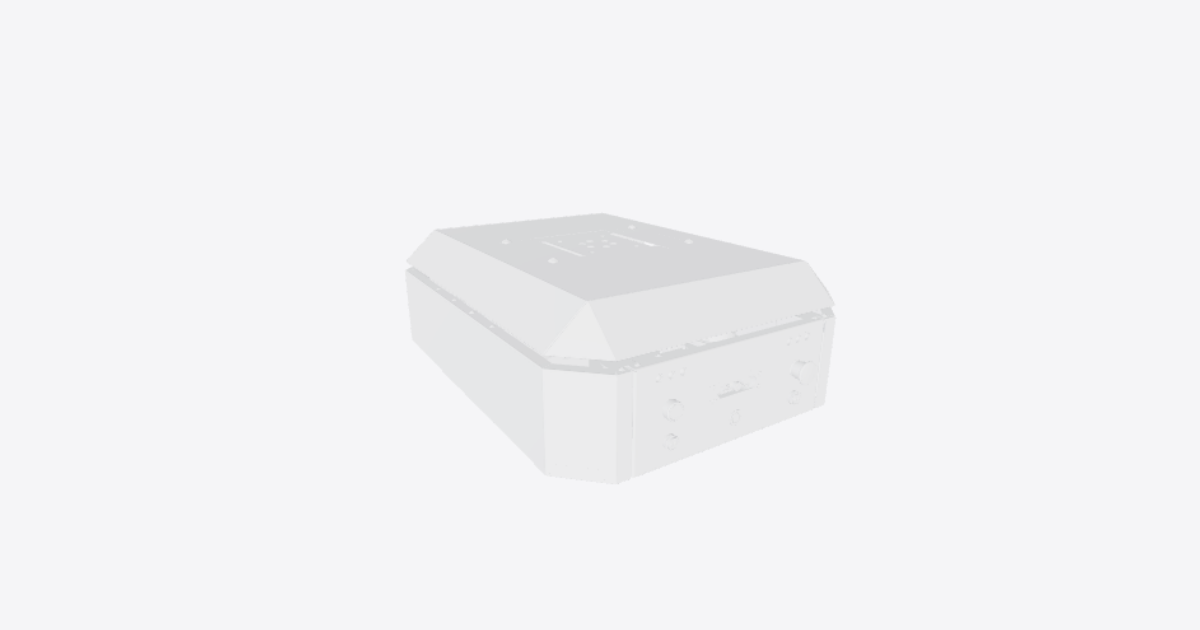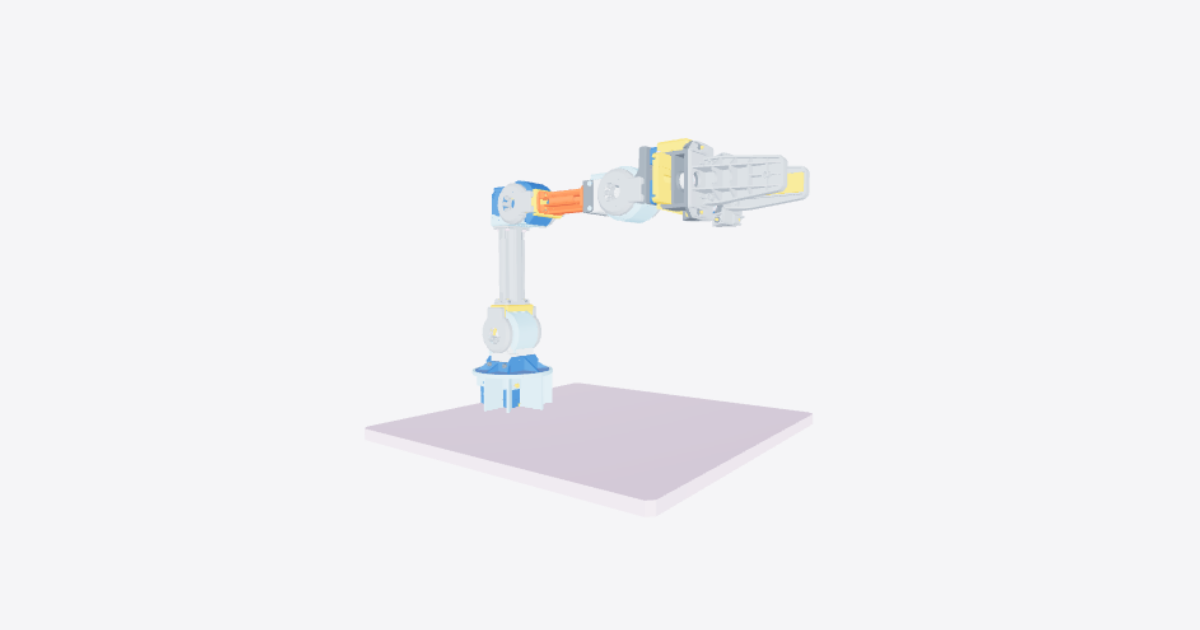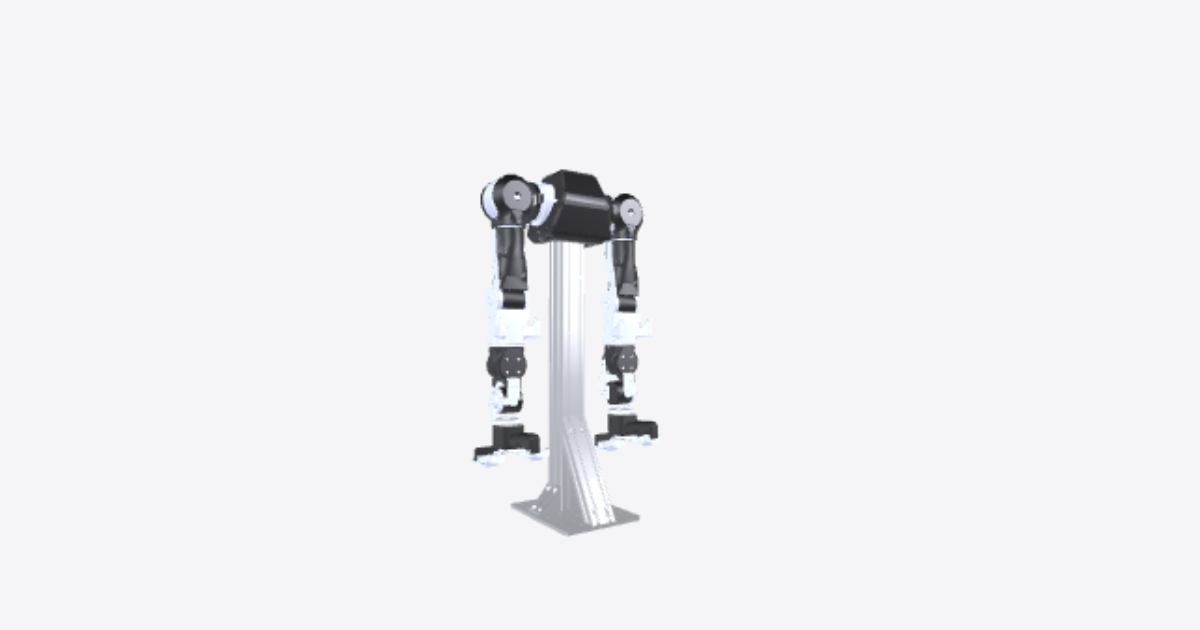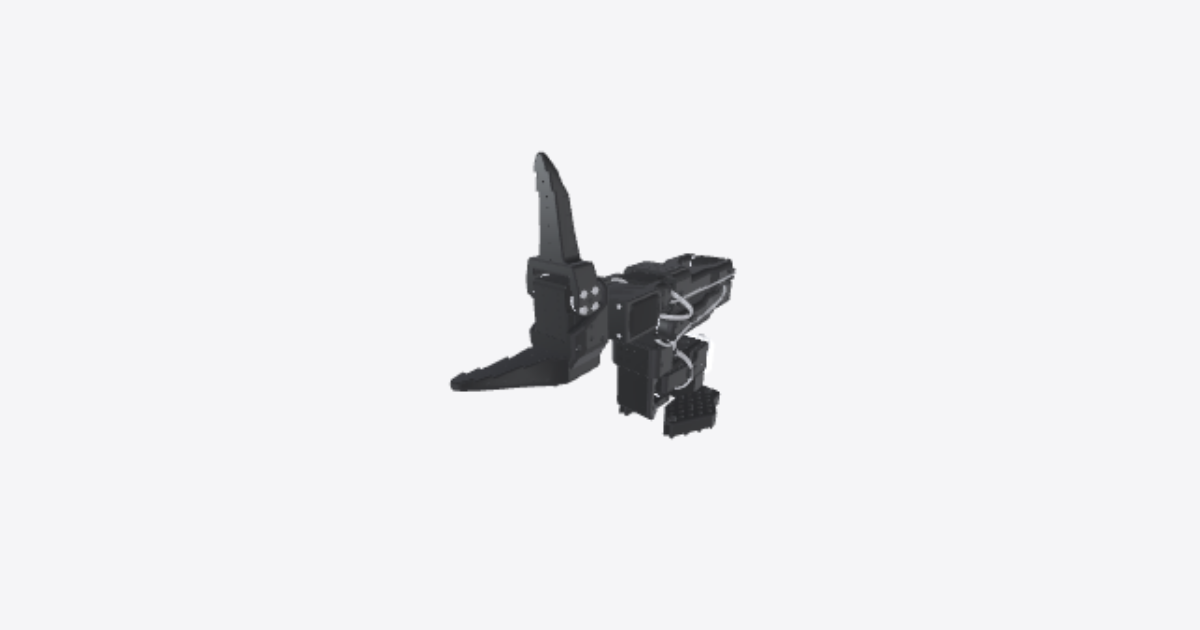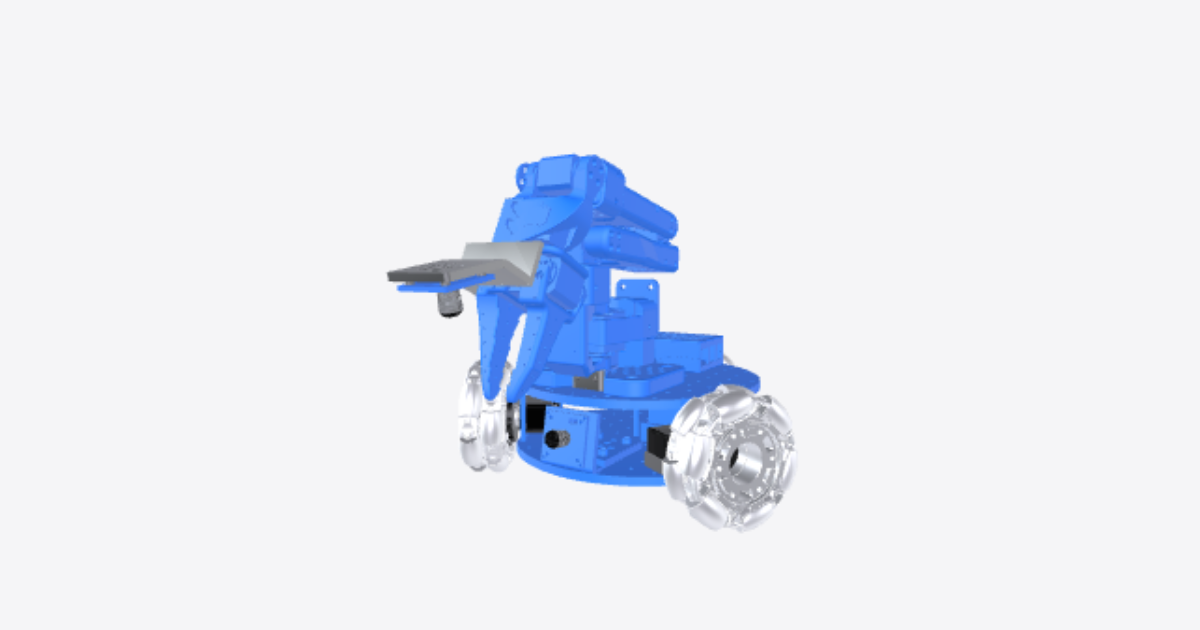
Full assembly
21 steps
Attach the drive motor to the motor mount using 4 m2x5 tap screws
Before you start: build the SO-101 arm first, and give every motor its ID with LeRobot (lerobot-setup-motors --robot.type=lekiwi), one motor connected at a time. Then fasten the highlighted drive motor to the drive motor mount with 4 M2x5 tap screws.Screw the drive motor mount onto the bottom base plate using 4 m3x12 machine screws.
Screw the highlighted drive motor mount onto the bottom base plate with 4 M3x12 machine screws.Repeat step 1 and 2 for the other motors
Repeat steps 1 and 2 for the other two drive motors. Put each motor where its ID belongs: with the arm pointing forward, ID 7 is on the left, ID 8 at the back and ID 9 on the right.Attach the wheel hub to the omniwheel using 2 m4x12 machine screws.
Fix the highlighted servo wheel hub to the omniwheel with 2 M4x12 machine screws.Attach the servo horn to the wheel hub using 2 m3x16 machine screws.
Fasten the highlighted servo horn to the wheel hub with 2 M3x16 machine screws.Attach the servo horn to the drive motor using 1 m3x6 machine screw.
Fit the servo horn, with the hub and omniwheel on it, onto the drive motor's output shaft and secure it with 1 M3x6 machine screw.Build the other two wheels
Repeat steps 4 to 6 for the other two drive motors, so all three wheel modules are fitted on the bottom base plate.Mount the controller and battery holders
Insert m3 nuts into the mounts for the servo controller and battery mounts. Screw both onto the bottom base plate with 4 m3x12 machine screws.Attaching servo motors wires
Add the servo driver and attach the wires to the 3 drive servos.Wiring electronics
- For the 12V version: Use the wago lever connectors to connect the ground and power battery wire leads to the leads of the 12v->5v converter and the dc barrel plug adapter. Screw on the 12v to 5v converter to the bottom base plate with 2 m3x16 machine screws and 2 m3 nuts.
- For the 5V version: you can use the powerbamk holder to keep the powerbank in place 3DPrintMeshes/5v_specific/5v_power_bank_holder.stl. The powerbank can be mounted in the back on the lower plate. The cables can be connected according to following diagram:
Place the Raspberry pi
Place the raspberry pi 5 into the pi case bottom and snap on the top part of the case.Fix the Raspberry Pi to the top base plate
Fix the cased Raspberry Pi to the top base plate with 2 M3x12 machine screws.Mount the SO-101 arm
Mount the SO-101 arm with 4 m3x20 machine screws. Using our modified SO-101 base or the original will work as there are holes for both in the plate.Route cables through the top plate
Feed the servo controller's USB-C to USB-A cable, the 5V USB-C power cable and the SO-101 servo wires through the hole in the top base plate.Mount the Top base plate
Mount the top base plate onto the motor mounts using 4 m3x12 machine screws.(Option 1) Attach base plate Arducam
Note: The mounts we designed are specific to the cameras we chose. They may need to be modified for different camera modules.
For these camera's you can print these parts 1x 3DPrintMeshes/base_camera_mount.stl and 1x 3DPrintMeshes/wrist_camera_mount.stl(Option 1) Attach the SO-101 arm Arducam
Screw the wrist camera mount to the static gripper using 4 m2x5 tap screws(attach the arducam 5MP wide angle camera to the mount with 2 m2.5x12 machine screws)(Option 2) Print the webcam mounts
For these camera's you can print these parts 1x 3DPrintMeshes/webcam_mount/webcam_mount.stl, 1x 3DPrintMeshes/webcam_mount/so100_gripper_cam_mount_insert.stl and 1x 3DPrintMeshes/webcam_mount/webcam_mount_wrist.stl. These can be used to attach a wrist and base camera to LeKiwi.
Print the new gripper with insert for the M3 nut, and insert the nut. Then insert the motor and attach gripper.(Option 2) Mounting Webcam
Now take the camera mount 3DPrintMeshes/webcam_mount/webcam_mount_wrist.stl, and add a M3x12mm bolt and screw it firmly until it locks with the M3 nut in the gripper. Then insert your camera in the mount and add 2x M3x35mm bolts in the back holes to lock the camera in place, use 2 nuts that you insert in the slots to lock the bolts.(Option 2) Mounting base plate Webcam
Do the same for the base camera 3DPrintMeshes/webcam_mount/webcam_mount.stl and attach it to the front of LeKiwi.Connect power and USB
Plug the DC barrel adapter into the servo controller and the 5V USB-C power cable into the Raspberry Pi. Then plug the servo controller's USB cable and both camera cables into the Pi. Next: calibrate the arm in LeRobot (lerobot-calibrate); the wheel motors do not need calibrating.