TwinWorks
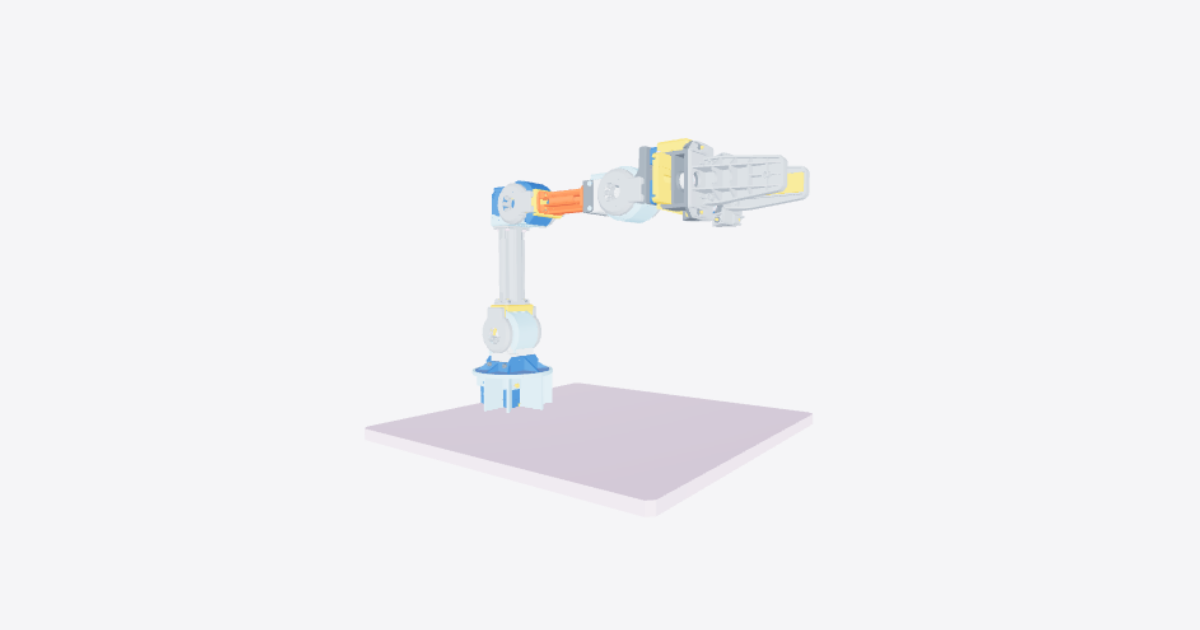
SO 101 – 3D model preview

SO 101

Téa · Robotics · 3D model · Updated 26 Oct 2026

Open in 3D

  • Procedures6shared publicly
  • Views0all time
  • Rating–No ratings yet
  • Likes0from the Community

0 comments

Procedures

Replace servomotor 5

Maintenance · 16 steps · No ratings yet

Tools

  • Phillips-head screwdriver

Warning: Sudden motion and gear damage: use the calibration workflow with its 30% torque cap and smooth interpolation.

16 steps
  1. Prepare for replacement

    Complete the approved power-isolation procedure before starting maintenance. Confirm that the replacement servomotor matches the installed servo voltage and specification.

    Identify servomotor 5 between servomotors 4 and 6. Note the cable routing and the fitted orientation of the wrist and jaw parts before disassembly.

  2. Disconnect servomotor 5 wiring

    Disconnect the cables between servomotors 4 and 5 and between servomotors 5 and 6 at servomotor 5. Keep track of each connection for refitting.

  3. Release the gripper servomotor

    Remove the fasteners securing servomotor 6 to the lower jaw/wrist-roll part. Leave the moving jaw attached to servomotor 6.

  4. Move the gripper clear

    Gently pull servomotor 6 out of the lower jaw/wrist-roll part, leaving the moving jaw attached. Set the gripper assembly aside to expose the wrist-roll attachment to servomotor 5.

  5. Remove the lower-jaw attachment screws

    Remove the four highlighted screws securing the lower jaw/wrist-roll part to servomotor 5. Retain the screws for reassembly.

  6. Remove the lower jaw

    Remove the lower jaw/wrist-roll part from servomotor 5 to expose its output washer and retaining screw. Retain the part and its nuts for refitting.

  7. Remove the servo retaining hardware

    Remove the highlighted retaining screw and the output washer from servomotor 5. Remove the two highlighted mounting screws securing the servo body to its wrist support. Retain the hardware and note the washer orientation.

  8. Remove servomotor 5

    Remove servomotor 5 from its wrist support.

  9. Install the replacement servomotor

    Fit the replacement servomotor 5 into the wrist support in the same orientation as the removed servo.

  10. Refit the servo retaining hardware

    Refit the output washer in its recorded orientation and install the retaining screw. Refit the highlighted servo-body mounting screws.

  11. Refit the lower jaw

    Put the lower jaw/wrist-roll part back on servomotor 5 in its original orientation.

  12. Secure the lower jaw

    Refit the four highlighted screws securing the lower jaw to the washer and servomotor 5.

  13. Refit and secure the gripper

    Refit servomotor 6 with the moving jaw still attached. Restore its retaining nuts and fasteners to their original positions and secure it to the lower jaw/wrist-roll part.

  14. Reconnect the wiring

    Reconnect the cable from servomotor 4 to servomotor 5 and the cable from servomotor 5 to servomotor 6. Restore the recorded cable routing.

  15. Inspect before return to service

    Verify that the cable between servomotors 4 and 5 is secure and undamaged, the connector at servomotor 5 is well attached and in good condition, and the cable between servomotors 5 and 6 is secure and intact.

    Check all six servomotor connectors, all inter-motor cables, and the servomotor-driver connector at the base for secure attachment and damage before returning the arm to service.

  16. Calibrate and verify movement

    After mechanical and wiring checks, restore power and the host connection using the approved startup procedure.

    Open the WebUI calibration workflow and select the replaced joint. Capture its minimum position, home/resting position, and maximum position using the three-point workflow.

    Use the workflow's 30% torque cap and smooth interpolation. Run Safe Test Home and complete the movement check before selecting Save Calibration.
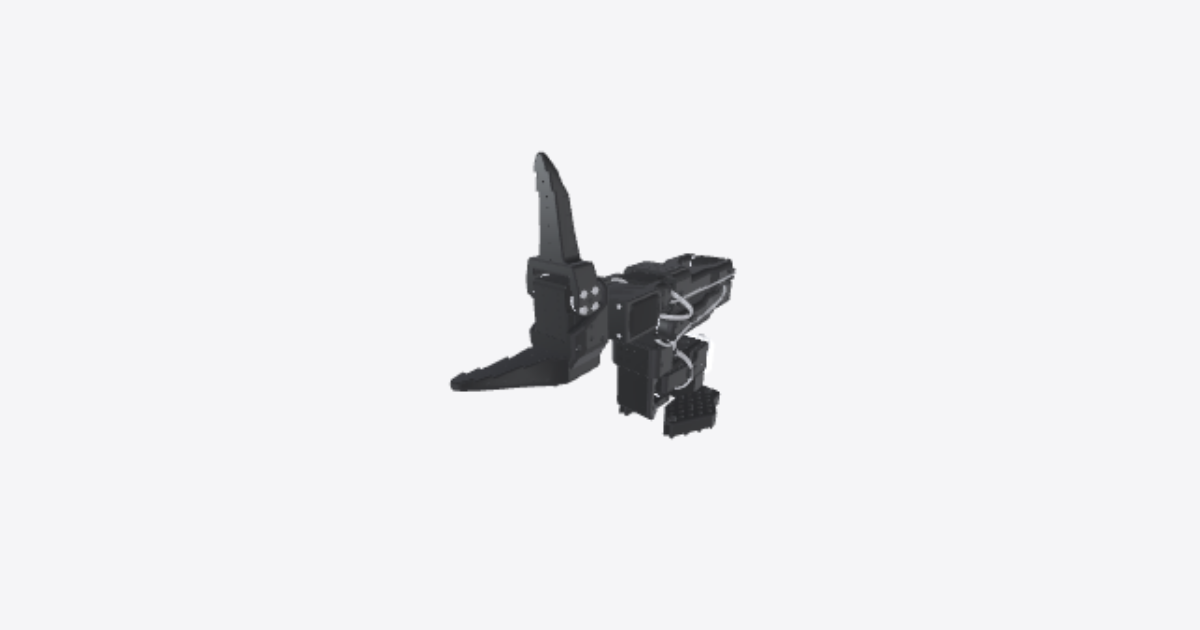
Power and Control Wiring

Usage · 7 steps · No ratings yet

7 steps
  1. Install printed and mechanical parts

    Install the printed and mechanical parts before making the servo daisy-chain connections.

  2. Connect the first servomotor to the PCB

    Plug the first servomotor into the PCB.

  3. Connect the first servomotor to the second servomotor

    Plug the first servomotor into the second servomotor.

  4. Connect the second servomotor to the third servomotor

    Plug the second servomotor into the third servomotor.

  5. Connect the third servomotor to the fourth servomotor

    Plug the third servomotor into the fourth servomotor.

  6. Connect the fourth servomotor to the fifth servomotor

    Plug the fourth servomotor into the fifth servomotor.

  7. Connect the fifth servomotor to the sixth servomotor

    Plug the fifth servomotor into the sixth servomotor.

Pre-operation verification

Usage · 12 steps · No ratings yet

12 steps
  1. Inspect the first servomotor connector

    Inspect the first servomotor connector for secure attachment, wear, and damage.

  2. Inspect the cable between the first and second motors

    Inspect the cable between the first and second motors for correct connection and damage.

  3. Inspect the second servomotor connector

    Inspect the second servomotor connector for secure attachment and condition.

  4. Inspect the cable between the second and third motors

    Inspect the cable between the second and third motors for secure connection and damage.

  5. Inspect the third servomotor connector

    Inspect the third servomotor connector for security and visible defects.

  6. Inspect the cable between the third and fourth motors

    Inspect the cable between the third and fourth motors for a tight connection and intact cable condition.

  7. Inspect the fourth servomotor connector

    Inspect the fourth servomotor connector for proper connection and visible damage.

  8. Inspect the cable between the fourth and fifth motors

    Inspect the cable between the fourth and fifth motors for secure connection and damage.

  9. Inspect the fifth servomotor connector

    Inspect the fifth servomotor connector for secure attachment and condition.

  10. Inspect the cable between the fifth and sixth motors

    Inspect the cable between the fifth and sixth motors for secure connection and intact cable condition.

  11. Inspect the sixth servomotor connector

    Inspect the sixth servomotor connector for security and defects.

  12. Inspect the servomotor driver connector at the base

    Inspect the servomotor driver connector at the base for secure attachment and damage.

Connectors and cables check

Quality Control · 12 steps · No ratings yet

12 steps
  1. Inspect First Motor Connection

    Examine the connector at the first servomotor and ensure it's securely attached. Look for any signs of wear or damage.
  2. Inspect First to Second Motor Cable

    Check the cable connecting the first and second motors. Ensure it is properly connected and undamaged.
  3. Inspect Second Motor Connection

    Ensure the connector at the second servomotor is secure and in good condition.
  4. Inspect Second to Third Motor Cable

    Check the cable connection between the second and third motors. Verify that it is secure and free of damage.
  5. Inspect Third Motor Connection

    Examine the connector at the third servomotor for security and any visible defects.
  6. Inspect Third to Fourth Motor Cable

    Examine the cable linking the third and fourth motors. Ensure the connection is tight and the cable is intact.
  7. Inspect Fourth Motor Connection

    Check the connector at the fourth servomotor. It should be properly connected with no visible damage.
  8. Inspect Fourth to Fifth Motor Cable

    Inspect the cable connecting the fourth and fifth motors. Look for secure connections and an undamaged cable.
  9. Inspect Fifth Motor Connection

    Ensure the connector at the fifth servomotor is well-attached and in good condition.
  10. Inspect Fifth to Sixth Motor Cable

    Verify the cable connection between the fifth and sixth motors. Confirm it is secure and the cable is intact.
  11. Inspect Sixth Motor Connection

    Check the connector at the sixth servomotor. It should be secure and free from defects.
  12. Inspect Servomotor Driver Connection

    Examine the connector at the servomotor driver located at the base. Ensure it is securely attached and free of any damage.

Replacing servomotor 1

Maintenance · 9 steps · No ratings yet

9 steps
  1. Unscrew the Initial Set of Screws

    Unscrew the first set of screws to begin the disassembly process. Use a Phillips-head screwdriver.
  2. Unscrew the Remaining Screws

    Proceed to unscrew the remaining four screws. Use a Phillips-head screwdriver.
  3. Remove the Moving Jaw

    Remove the moving jaw part from the assembly.
  4. Remove the wiring on the servomotor

    Remove the wiring on the servomotor in order to be able to replace it.
  5. Replace the servomotor

    Replace the old servomotor with the new servomotor
  6. Wire the new servomotr

    Plug the wiring of the new servomotor
  7. Install the Moving Jaw

    Install the Moving Jaw on the new servomotor
  8. Screw the Moving Jaw

    Screw the Moving Jaw's first set of screws. Use a Phillips-head screwdriver.
  9. Screw the Moving Jaw

    Screw the Moving Jaw's second set of screws. Use a Phillips-head screwdriver.

Assembly

Assembly · 44 steps · No ratings yet

44 steps
  1. Put the Base in place

    Put the Base of the SO101 in place in order to assemble other parts on it
  2. Put in place the first servomotor

    Put in place the first servomotor as shown.
  3. Screw the servomotor in the Base

    Screw the servomotor in the Base by screwing the 4 highlighted screws as shown.
  4. Put in the servomotor cover in place

  5. Screw the cover of the servomotor

    Screw the cover of the servomotor in order not to move
  6. Put in place the rotation pitch part

    Put in place the rotation pitch part on the servomotor
  7. Screw the Rotation Pitch

    Screw the Rotation Pitch to the servomotor using the upper side screws
  8. Screw the Rotation Pitch

    Screw the Rotation Pitch to the servomotor using the lower side screws
  9. Assemble the cover of the Rotation Pitch

  10. Put in place the second servomotor

  11. Screw the second servomotor

    Screw the second servomotor in the Rotation Pitch
  12. Assemble the arm

    Assemble the arm on the second servomotor
  13. Screw the first set of screws

  14. Screw the second set of screws

  15. Put in place the third servomotor

  16. Screw the third servomotor

    Screw the third servomotor in the arm
  17. Assemble the second arm

  18. Screw the first set of screws

    Screw the arm to the servomotor using the first set of screws
  19. Screw the second set of screws

    Screw the arm to the servomotor using the first set of screws
  20. Assemble the part as shown

    Assemble the part on the arm as shown
  21. Put in place the fourth servomotor

  22. Screw the fourth servomotor

    Screw the fourth servomotor to the arm
  23. Put in place the part as shown

    Put in place the part on the servomotor as shown
  24. Screw the part as shown

    Screw the part using the screws as shown
  25. Screw the part as shown

    Screw the part using the screws as shown
  26. Put in place the fifth servomotor

  27. Add the washer

    Add the servomotor washer
  28. Screw the fifth servomotor

  29. Put in place the lower jaw

  30. Screw the jaw to the washer and servomotor

  31. Screw the jaw to the washer and servomotor

  32. Put in place the nuts

  33. Put in place the sixth servomotor

  34. Screw the sixth servomotor

  35. Put in place the upper jaw

  36. Screw the upper jaw

  37. Screw the upper jaw

  38. Assemble the PCB

  39. Plug the first servomotor to the PCB

  40. Plug the first servomotor to the second servomotor

  41. Plug the second servomotor to the third servomotor

  42. Plug the third servomotor to the fourth servomotor

  43. Plug the fourth servomotor to the fifth servomotor

  44. Plug the fifth servomotor to the sixth servomotor

Related products

  • SO-101

    Téa

    Robotics · 3D model · 7 procedures

    No ratings yet

    0 likes · 0 comments · 179 views

  • Open Manipulator

    Téa

    Robotics · 3D model · 1 procedure

    No ratings yet

    0 likes · 0 comments · 0 views

  • OpenArm

    Téa

    Robotics · 3D model · 7 procedures

    No ratings yet

    1 like · 0 comments · 15 views

  • Robo Dog

    Omar ElSamalouty

    Robotics · 3D model · 2 procedures

    No ratings yet

    2 likes · 0 comments · 7 views